
Looking for TV wall mount ideas? This guide covers proven styles like fixed, tilting, full-motion, and low-profile mounts, detailing their benefits, ideal uses, and installation basics. We’ll help you choose the perfect mount to enhance your viewing experience and declutter your space.
Tired of bulky TV stands taking up precious floor space? Want to create that sleek, cinematic look in your living room or bedroom? Mounting your TV on the wall is a fantastic way to achieve this, but with so many options, it can feel a bit overwhelming. Don’t worry! This guide is here to simplify things. We’ll walk you through the most popular and effective TV wall mount ideas, explaining exactly what each type does and who it’s best for. Get ready to transform your viewing setup!
TV Wall Mount Ideas Guide: Proven Styles for Every Room

Choosing the right TV wall mount is more than just picking a bracket; it’s about optimizing your viewing experience, ensuring safety, and integrating your television seamlessly into your home’s aesthetic. Whether you have a giant 85-inch smart TV or a cozy setup for your bedroom, there’s a wall mount designed to meet your needs. Let’s dive into the most reliable and popular TV wall mount ideas that have stood the test of time.
1. Fixed TV Wall Mounts: The Minimalist’s Dream
If you want your TV to sit as close to the wall as possible, like a framed piece of art, a fixed TV wall mount is your go-to choice. These mounts hold your television flat against the wall with no ability to adjust its position or angle. They are incredibly simple, offering a clean, uncluttered look.
Pros of Fixed Mounts:
- Ultra-Slim Profile: The TV sits extremely close to the wall, creating a very sleek appearance.
- Simplicity: Fewer moving parts mean less can go wrong.
- Cost-Effective: Generally the most affordable type of TV mount.
- Sturdy: When installed correctly on a suitable wall, they are very secure.
Cons of Fixed Mounts:
- No Adjustability: You cannot tilt or swivel the TV, which can be problematic if your viewing angle is off-center.
- Glare Issues: If you can’t position the TV perfectly perpendicular to your windows or lights, you might experience glare.
- Cable Access: Can be trickier to access cables behind the TV for plugging or unplugging devices.
Who is it for?
Fixed mounts are ideal for rooms where you always sit directly in front of the TV, such as a dedicated home theater or a living room with a perfectly centered seating arrangement. They are also great for bedrooms where the TV is mounted above a dresser or fireplace and viewed from a bed positioned squarely in front.
2. Tilting TV Wall Mounts: A Gentle Tilt for Better Views
Tilting TV wall mounts offer a bit more flexibility than their fixed counterparts. They allow you to angle your TV slightly up or down. This is incredibly useful for reducing glare or improving your viewing angle, especially if the TV is mounted higher on the wall than ideal (like above a fireplace).
Pros of Tilting Mounts:
- Reduced Glare: Easily tilt the screen to minimize reflections from windows or overhead lights.
- Improved Viewing Angle: Allows for a more comfortable viewing experience when the TV is mounted higher than eye level.
- Slimmest Adjustable Option: Still maintains a relatively low profile compared to full-motion mounts.
- Easy Cable Access: The slight standoff from the wall makes accessing ports a bit easier.
Cons of Tilting Mounts:
- Limited Movement: Only offers up and down tilt, not side-to-side swivel.
- Slightly Bulkier: Will extend a bit further from the wall than a fixed mount.
Who is it for?
These mounts are perfect for mounting TVs above fireplaces, in bedrooms where the TV is high on the wall, or in living rooms with fixed seating that isn’t perfectly aligned with the TV. If you want a simple way to combat glare and improve viewing angles without complex movement, a tilting mount is a great choice.
3. Full-Motion TV Wall Mounts: Ultimate Flexibility
For maximum versatility, full-motion TV wall mounts, often called articulating or tilt-swivel mounts, are the champions. They allow you to tilt, swivel, and extend your TV away from the wall. This means you can easily adjust the TV to face different seating areas, pull it out for easier access to cables, or push it flat against the wall when not in use.
These mounts typically consist of an arm (or multiple arms) that connect the TV bracket to the wall plate. The arm houses a pivot and swivel mechanism, allowing for a wide range of motion.
Pros of Full-Motion Mounts:
- Complete Adjustability: Tilt up/down, swivel left/right, and extend from the wall.
- Optimized Viewing: Perfect for rooms with multiple or shifting seating positions.
- Easy Installation & Maintenance: Pulling the TV out makes connecting or disconnecting cables incredibly simple.
- Space-Saving: Can be pushed back against the wall when not in use, appearing similar to a fixed mount.
Cons of Full-Motion Mounts:
- Bulkier Design: Extends furthest from the wall, even when pushed back.
- More Complex Installation: Can be heavier and require more precise mounting.
- Higher Cost: Typically the most expensive type of mount.
- Potential for Sagging: Cheaper or poorly designed arms can sag over time, especially with heavier TVs.
Who is it for?
Full-motion mounts are ideal for open-plan living spaces, corner installations, rooms where seating can be anywhere, or situations where you need to pull the TV out to access ports or for gaming when you might sit closer. They offer unparalleled flexibility for any viewing scenario.
4. Low-Profile / Super Slim TV Wall Mounts: For the True Minimalist
Similar to fixed mounts in their closeness to the wall, low-profile mounts are designed for those who want their TV to be almost flush with the wall. The key difference is that some low-profile mounts offer a tiny bit of adjustability, perhaps a slight tilt or a very small degree of swivel, while others are entirely fixed. They are engineered with advanced engineering to minimize the distance between the TV and the wall.
Pros of Low-Profile Mounts:
- Extremely Slim: For a “picture frame” look, these are the best.
- Secure: Designed for stability and safety with heavier TVs.
- Aesthetic Appeal: Enhances the modern look of a room.
Cons of Low-Profile Mounts:
- Limited Access: Cable management and access can be the most challenging.
- Minimal Adjustability (if any): Many offer no tilt or swivel.
- Can be Pricey: Advanced engineering for minimal protrusion can increase cost.
Who is it for?
Perfect for those who prioritize aesthetics above all else and want the TV to blend seamlessly into the wall. These are great for feature walls or when you want the TV to disappear when it’s off.
5. Corner TV Wall Mounts
As the name suggests, these specialized mounts are designed to place a TV in a corner, utilizing often underused space. They come in various forms: some are fixed, some tilt, and others are full-motion, allowing you to angle the TV out from the corner for optimal viewing from different parts of the room.
Pros of Corner Mounts:
- Utilizes Awkward Space: Transforms unused corners into functional viewing areas.
- Versatile Viewing: Many can swivel to direct the screen towards different seating areas.
- Keeps TV Out of the Way: Ideal for smaller rooms where wall placement is limited.
Cons of Corner Mounts:
- Installation Can Be Tricky: Mounting securely into two walls requires careful planning.
- Limited Style Options: Fewer designs compared to standard mounts.
- Potential for Angle Issues: Getting the perfect viewing angle might take adjustment.
Who is it for?
Excellent for smaller apartments, bedrooms, kitchens, or any room where a standard wall placement isn’t feasible or desirable. If you have a corner that feels empty, this is a great solution.
6. Swivel TV Wall Mounts (often part of Full-Motion)
While often incorporated into full-motion mounts, dedicated swivel mounts (or those with a strong, independent swivel function) deserve a mention. These mounts primarily allow the TV to pivot left and right, with limited or no vertical tilt. They are excellent for directing the screen towards different seating areas without extending the TV far from the wall.
Pros of Swivel Mounts:
- Excellent for Multiple Seating: Easily directs the screen toward different parts of a room.
- Keeps TV Closer to Wall: Less protrusion than many full-motion mounts.
- Good for Corners: Can swivel the TV out from a corner position.
Cons of Swivel Mounts:
- Limited Vertical Adjustment: No (or very little) up/down tilt.
- Can be Less Common: Many manufacturers bundle swivel with articulation.
Who is it for?
Great for living rooms where couches or chairs are arranged at angles, or for kitchens and dining areas where you might want to watch TV from different spots.
Choosing the Right Mount: Key Factors to Consider

Now that you’ve explored the different TV wall mount ideas, let’s talk about how to pick the one that’s absolutely perfect for you. It’s not just about the style; several practical factors will influence your decision.
1. TV Size and Weight Capacity Matched to the Mount
This is the most critical factor. Every TV mount is designed to hold a specific range of TV sizes (measured diagonally in inches) and weight (in pounds or kilograms). Always check these specifications carefully. Using a mount that can’t support your TV’s weight is incredibly dangerous.
For example, a TV mount might be rated for TVs from 32 to 60 inches and up to 80 lbs. Your 55-inch TV weighing 65 lbs would be a good fit. A mount rated for smaller, lighter TVs might struggle with a large, heavy OLED screen.
Always aim for a mount that comfortably exceeds your TV’s weight and is within its size range. You can usually find your TV’s weight and dimensions in its user manual or on the manufacturer’s website. For example, Rtings.com provides detailed TV specifications that can help you find this information.
2. Wall Type and Studs
Where and how you mount your TV is paramount to its safety. Most TV wall mounts are designed to be secured into wall studs, which are the vertical wooden beams within your walls that provide the necessary support. For drywall, the screws must go directly into the studs. Never mount a TV directly into drywall alone, as it will not hold.
Common Wall Types:
- Drywall with Wood Studs: The most common type in homes. Requires locating studs.
- Drywall with Metal Studs: Found in some commercial buildings or newer constructions. Requires specialized anchors.
- Concrete/Brick: Requires a mount specifically designed for masonry and the use of masonry anchors.
Finding studs is usually done with a stud finder. Once located, you’ll typically drill pilot holes and then drive lag bolts into the studs. Always use a reliable stud finder; for best results, consult Popular Mechanics’ guide on finding wall studs. If you’re unsure about your wall type or how to locate studs, it’s best to consult a professional installer.
3. Viewing Distance and Angle
Consider where you’ll be sitting and how far away you’ll be from the TV. This impacts the optimal height and the need for tilt or swivel functions.
- Ideal TV Height: The center of the screen should be at or slightly below eye level when you are in your primary seating position.
- Viewing Distance: For 4K TVs, a good rule of thumb is viewing from a distance about 1 to 1.5 times the diagonal screen size. For example, with a 65-inch TV, aim for 65 to 97.5 inches away, which is about 5-8 feet.
If your seating is far back, or the TV needs to be mounted high, a tilting or full-motion mount becomes essential to get a comfortable view and minimize neck strain.
4. Cable Management
A wall-mounted TV looks cleanest with minimal visible wires. Most mounts offer some basic cable management clips, but for a truly seamless look, you might consider in-wall cable management kits. These allow you to run power and signal cables inside the wall. This is a more advanced DIY project or a job for an electrician or AV installer. Many modern mounts have integrated channels, but you still need to get the cables from the TV to the wall plate cleanly.
5. Ease of Installation
If you’re a DIY enthusiast, most standard fixed and tilting mounts are relatively straightforward. Full-motion mounts or those requiring in-wall cable routing can be more complex. Always read the instructions thoroughly before starting and ensure you have the right tools.
Basic Tools You’ll Likely Need:
- Stud finder
- Drill with appropriate drill bits
- Level
- Socket wrench or adjustable wrench
- Screwdriver (Phillips and flathead)
- Measuring tape
- Pencil
For concrete or brick walls, you’ll need additional tools like a hammer drill and masonry bits.
Installation Basics: A Quick Overview
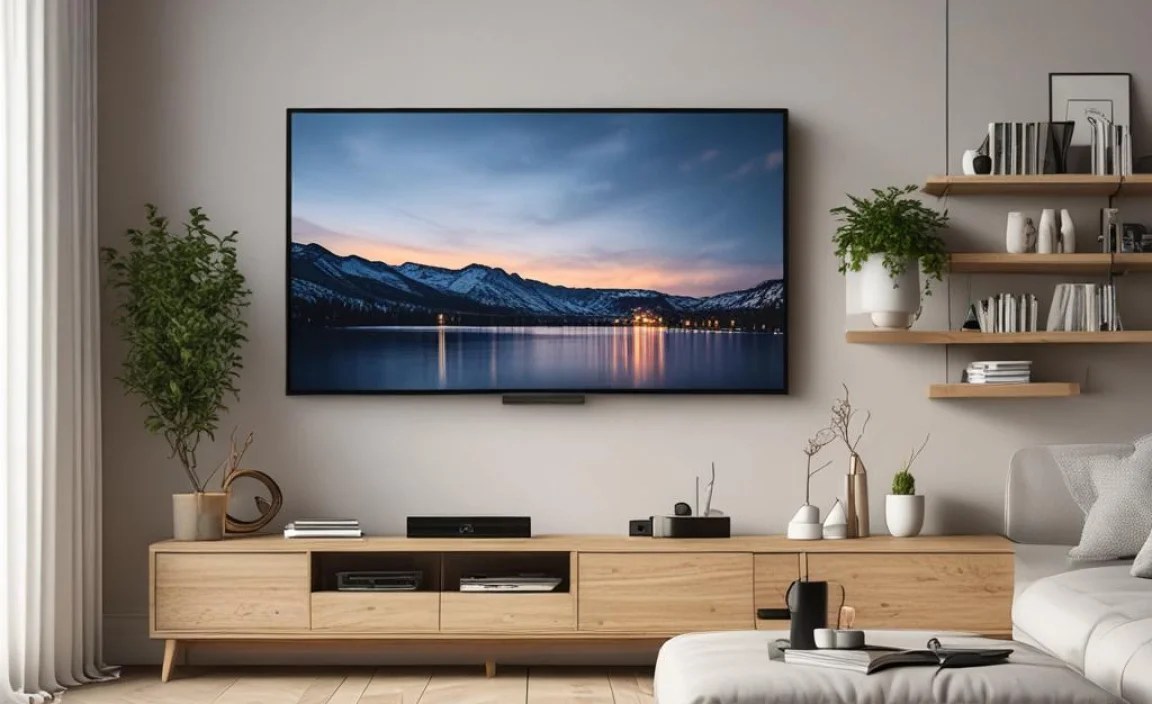
While a full installation guide is beyond this article’s scope, here’s a general idea of how most TV wall mounts are installed:
- Locate Studs: Use a stud finder to mark the center of at least two wall studs in the desired mounting location.
- Mark Mounting Plate Position: Hold the wall plate of the mount against the wall at your desired height. Use a level to ensure it’s perfectly horizontal. Mark the drill hole locations through the plate onto the wall, ensuring they align with your marked studs.
- Drill Pilot Holes: Drill pilot holes into the center of the studs at the marked locations. Use a drill bit slightly smaller than your lag bolts.
- Attach Wall Plate: Securely attach the wall plate to the wall using the provided lag bolts and washers. Make sure it is firmly tightened and level.
- Attach Brackets to TV: Identify the VESA mounting holes on the back of your TV. These are standardized patterns of threaded holes. Attach the vertical brackets from your mount to these holes using the correct screws (usually provided with the mount, often with multiple sizes).
- Hang TV on Mount: Carefully lift your TV and hook the brackets onto the wall plate. Most mounts have a mechanism for this, like a rail system.
- Secure TV: Once the TV is hanging, engage any locking screws or mechanisms to ensure it’s securely attached to the mount.
- Connect Cables: This step is far easier before the TV is fully pushed back against the wall (especially with fixed or low-profile mounts) or by pulling the TV out (with articulating mounts).
Important Note: Always follow the specific instructions provided by the mount manufacturer. If you’re unsure about any step, particularly concerning structural integrity or electrical wiring (if using in-wall kits), consult a professional. For more detailed guidance on mounting safety, the U.S. Consumer Product Safety Commission (CPSC) offers valuable resources on furniture and TV tip-overs, highlighting the importance of secure mounting: CPSC Anchor It!
When to Call a Professional
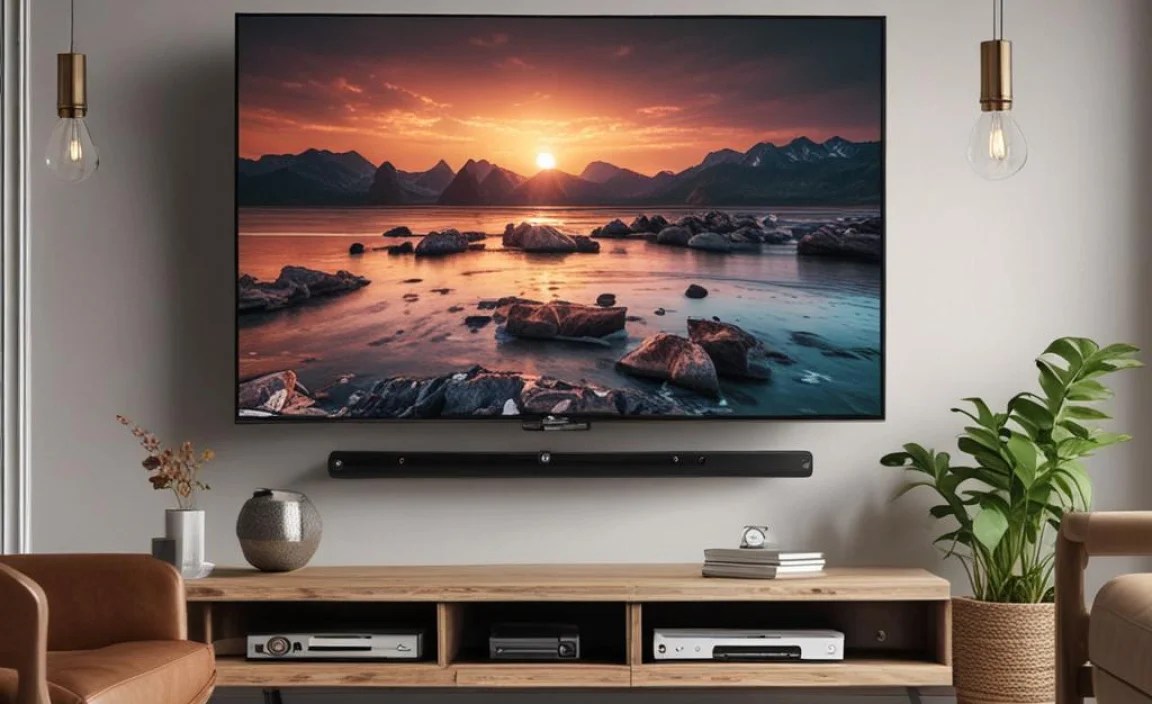
While many enthusiasts tackle TV mounting themselves, there are definite situations where hiring a professional is the smartest move:
- Uncertainty about Wall Structure: If you’re unsure if your walls can support the TV, or if you have concerns about the studs, a pro can assess and reinforce if needed.
- Masonry Walls: Mounting on concrete or brick requires specific tools and anchoring techniques that many homeowners don’t possess.