
Choosing a wireless speaker for your gaming PC is simple. Look for Bluetooth or 2.4GHz wireless, good sound quality, and a design that fits your setup. These tips will help you pick the perfect speaker for immersive gaming without the cable clutter.
Hey gamers! Bob E Riley here, diving into something that makes gaming worlds feel alive: sound. Ever felt like your current PC audio is just… missing something? Maybe it’s the cheap built-in speakers or a tangled mess of wires. You’re not alone! A great gaming experience isn’t just about visuals; it’s about feeling every explosion, hearing every footstep, and getting lost in the music. But when it comes to picking the right speaker, especially a wireless one, it can feel overwhelming. Don’t sweat it! We’re going to break down exactly what you need to know, step-by-step, so you can find the perfect wireless speaker to boost your gaming audio from “meh” to “epic!” Get ready to supercharge your sound.
Why Wireless Speakers Are a Game-Changer for Your PC

Let’s face it, wires can be a nightmare. They clutter up your desk, get tangled, and can even limit where you place your gear. Wireless speakers solve this elegantly. They offer flexibility, a cleaner aesthetic, and often a surprising level of audio quality that can truly elevate your gaming sessions. It’s not just about convenience; it’s about creating a more immersive and distraction-free environment. When every sound cue is crisp and clear, your reaction time can improve, and the overall enjoyment of your favorite games skyrockets. Imagine the freedom of placing your speakers exactly where they sound best, without being tethered.
The Freedom of Wireless: Benefits for Gamers
The most obvious perk, of course, is the lack of cables.
- Desk Space: Enjoy a tidier, more organized gaming station.
- Placement Flexibility: Position your speakers for optimal stereo sound or surround effect without worrying about cable length.
- Easy Setup: Most wireless connections are plug-and-play or require a simple pairing process.
- Portability: Many wireless speakers can also be used with other devices like laptops, tablets, or even your phone for music on the go.
- Aesthetics: A clean setup is a happy setup! Wireless speakers contribute to a sleek look.
Understanding Wireless Technologies: Bluetooth vs. 2.4GHz
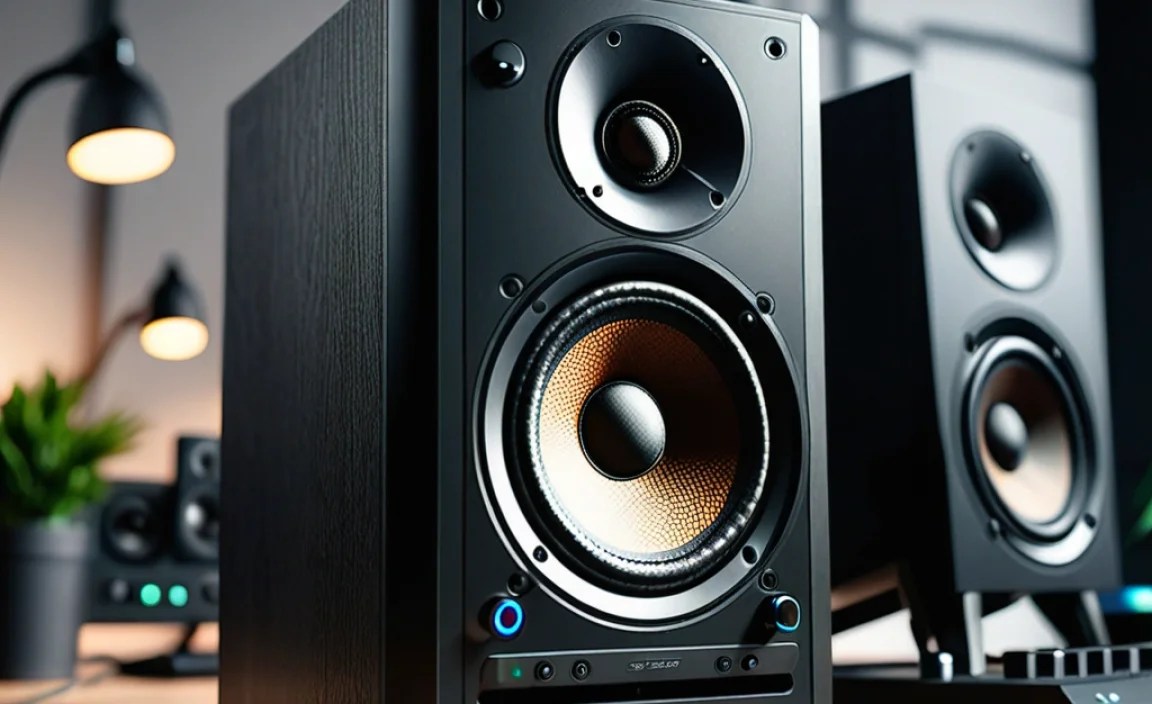
When you’re looking at wireless speakers, you’ll primarily encounter two main types of connections: Bluetooth and 2.4GHz. Each has its strengths and weaknesses, and understanding them helps you choose the best fit for your gaming needs.
Bluetooth: The Ubiquitous Standard
Bluetooth is the most common wireless technology, found in everything from your headphones to your car stereo. For PC speakers, it offers broad compatibility and ease of use. Simply pair the speaker with your PC’s Bluetooth adapter, and you’re ready to go. It’s great for casual gaming and general audio, but some gamers might notice a slight delay (latency) between what happens on screen and when you hear the sound. This latency can occasionally be a disadvantage in fast-paced competitive games where split-second audio cues are crucial.
Pros of Bluetooth:
- Wide compatibility with most modern PCs and devices.
- Easy pairing process.
- No extra dongles needed if your PC has built-in Bluetooth.
- Energy efficient, especially with newer Bluetooth Low Energy (BLE) standards.
Cons of Bluetooth:
- Potential for noticeable audio latency, which can be problematic for competitive gaming.
- Sound quality can sometimes be a step down compared to wired or 2.4GHz connections, though this is improving rapidly with new codecs.
- Susceptible to interference from other wireless devices.
2.4GHz Wireless: The Gamer’s Choice for Low Latency
Many gaming-specific wireless peripherals use a 2.4GHz radio frequency connection. This typically involves a small USB dongle that you plug into your PC. The advantage here is significantly lower latency. Because it’s a dedicated wireless connection designed for high-speed data transfer, the audio lag is minimized, often to imperceptible levels. This makes 2.4GHz a preferred choice for gamers who need every audio cue to be precise and immediate.
Pros of 2.4GHz:
- Extremely low audio latency, ideal for gaming.
- Often provides a more stable and robust connection.
- Can offer higher fidelity audio transmission.
Cons of 2.4GHz:
- Requires a USB dongle, taking up a port.
- Less versatile; usually dedicated to the device it comes with.
- May be more susceptible to interference from other 2.4GHz devices (like Wi-Fi routers) if not well-implemented.
Key Features to Look For in a Gaming PC Speaker

Beyond the wireless connection, several other factors contribute to a great set of gaming speakers. We want audio that pulls you into the game, not distracts you with poor performance.
Sound Quality: The Core of the Experience
This is where speakers shine or falter. Look for speakers that offer a balanced sound profile. This means clear highs (for footsteps and in-game cues), distinct mids (for dialogue and character sounds), and punchy bass (for explosions and immersive effects).
- Frequency Response: A wider frequency range (e.g., 50Hz – 20kHz) generally means richer sound.
- Driver Size: Larger speaker drivers (like the woofers and tweeters) can often produce more powerful and fuller sound.
- Audio Channels: Most desktop speakers are 2.0 (stereo), but some offer 2.1 (stereo with a subwoofer for enhanced bass). A 2.1 system can significantly boost the impact of game audio.
Power Output (Wattage): How Loud Can It Get?
Wattage determines how loud the speakers can get and how much impact the sound will have. For a typical desktop setup, 20-50 watts RMS (Root Mean Square) is usually sufficient for a good experience. If you like your games loud or have a larger room, you might consider something with higher wattage. RMS wattage is a more reliable indicator of sustained power than peak or max wattage. You can find more on RMS vs. Peak power at Sengpielaudio.
Design and Size: Fitting Your Space
Your desk setup is unique. Consider the physical dimensions of the speakers. Do they fit comfortably on your desk without obstructing your monitor or keyboard? Many gaming speakers feature aggressive, “gamer-inspired” designs with RGB lighting, while others offer a more minimalist aesthetic. Choose what best suits your personal style and your existing setup.
Connectivity Options: More Than Just Wireless
While we’re focusing on wireless, it’s always a good idea to check if the speakers also offer wired options. Some speakers might have a 3.5mm auxiliary input or USB connectivity as a backup or for devices that don’t support Bluetooth. This adds versatility!
Controls and Features: Ease of Use
Look for easy-to-access controls for volume, mute, and potentially EQ (equalizer) settings. Some speakers come with a remote control, which can be handy if your PC is a bit further away. Features like integrated microphones or headphone jacks can also be nice additions.
Setting Up Your Wireless Gaming Speakers: A Simple Guide

Getting your new wireless speakers up and running is usually straightforward. The exact steps might vary slightly depending on the speaker model, but the general process remains the same.
Step-by-Step Setup:
- Unpack and Placement: Carefully unpack your speakers and place them on your desk. For the best stereo imaging (where sounds feel like they’re coming from distinct points), position them equidistant from you and your monitor, forming an equilateral triangle with your head.
- Power Them On: Connect the speakers to a power source. Ensure they are switched on.
- Connect the Dongle (for 2.4GHz): If you have 2.4GHz speakers, plug the USB dongle into an available USB port on your PC. The PC should recognize it automatically as an audio device.
- Pairing (for Bluetooth):
- Put your speakers into pairing mode. This is usually done by pressing and holding a dedicated Bluetooth button. Check your speaker’s manual for specific instructions.
- On your PC, go to Settings > Devices > Bluetooth & other devices.
- Click “Add Bluetooth or other device.”
- Select “Bluetooth.”
- Your PC will scan for devices. Select your speakers from the list when they appear.
- You might need to confirm a pairing request or enter a simple PIN (often “0000”).
- Select the Audio Output: Once connected (either via dongle or Bluetooth), your PC needs to know to send audio to the speakers.
- On Windows, right-click the speaker icon in the taskbar and select “Open Sound settings” or “Playback devices.”
- Choose your new wireless speakers as the default playback device.
- Test the Sound: Play some music or a game trailer to test if audio is coming from your speakers. Adjust the volume on both the speakers and your PC as needed.
Wireless Speaker Examples for Different Needs
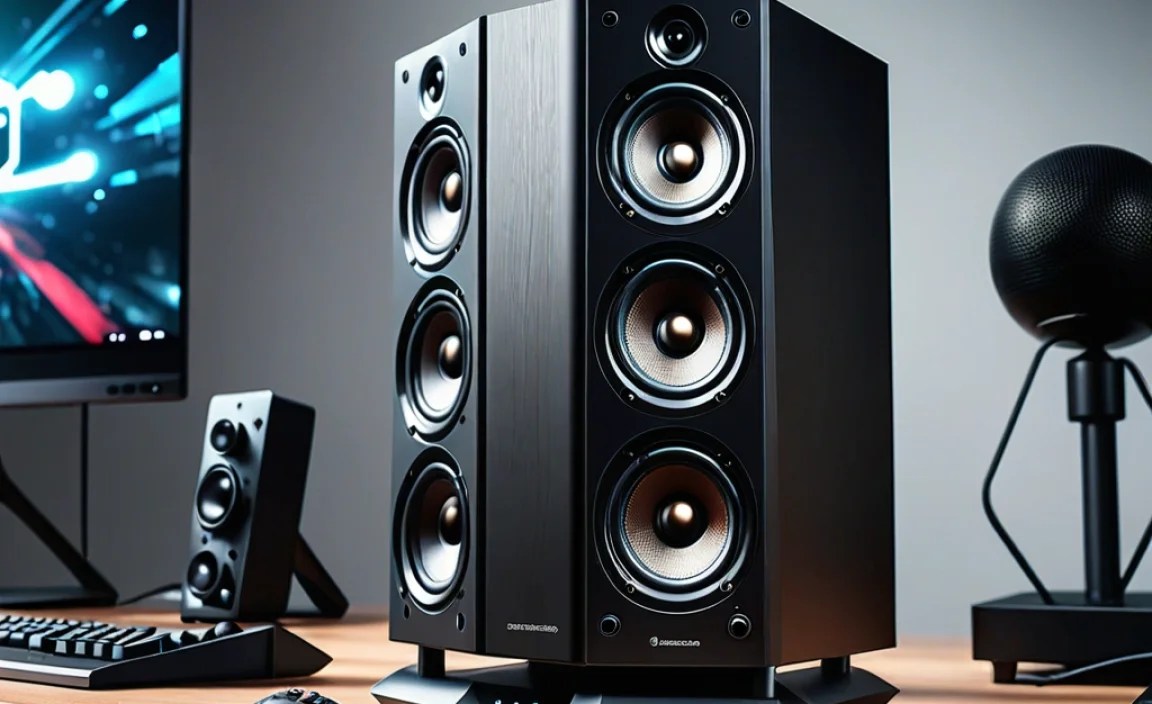
To give you a better idea, here are a few types of wireless speakers that might suit different gaming setups. Keep in mind that specific models change quickly, so these are general categories.
| Speaker Type | Connection Type | Ideal For | Key Considerations |
|---|---|---|---|
| Compact Stereo Speakers | Bluetooth or 2.4GHz | Smaller desks, general gaming, and media. Good for clean setups. | Space-saving, easy setup, decent audio. May lack deep bass. |
| 2.1 System with Subwoofer | Bluetooth or 2.4GHz | Immersive gaming, action-packed genres. Gamers who love bass. | Powerful bass impact, fuller sound profile. Requires more desk space for the subwoofer. |
| Gaming-Branded Speakers | Often 2.4GHz with USB | Enthusiast gamers who want dedicated gaming features like RGB. | Low latency is standard. May include advanced software features, customizable lighting. Can be pricier. |
| Soundbars (Desktop Size) | Bluetooth primarily, may have USB | Minimalist setups, users who want a single, sleek unit. Good for movie watching too. | Can offer surprisingly good sound from one device. Placement is key for stereo separation. |
When choosing, always check reviews from reputable tech sites. Sites like RTINGS.com provide in-depth technical reviews and comparisons.
Tips for the Best Wireless Audio Experience
Once you’ve got speakers, here are a few extra tips to ensure your gaming audio is top-notch.
Minimize Interference
Wireless signals can sometimes be interrupted. Try to keep your wireless speakers and their receivers (dongles or PC’s Bluetooth adapter) relatively close and avoid placing them directly next to sources of heavy interference, such as microwave ovens or a very crowded Wi-Fi router. Positioning your 2.4GHz dongle on the front of your PC case using a USB extension cable can sometimes improve signal strength if it’s tucked away in the back.
Update Drivers and Firmware
For both Bluetooth and 2.4GHz devices, ensuring your PC’s drivers are up-to-date can prevent connection issues and optimize performance. Check your PC manufacturer’s website or Windows Update for the latest audio and Bluetooth drivers. Some speakers may also offer firmware updates via software; it’s worth checking the manufacturer’s support page.
Experiment with Placement
Don’t be afraid to move your speakers around slightly! Tiny adjustments in positioning can make a noticeable difference in how the soundstage feels or how bass frequencies resonate. Try different angles and distances from walls.
Consider an External Bluetooth Adapter
If your PC’s built-in Bluetooth is older or unreliable, a modern external USB Bluetooth adapter can often provide a more stable connection and support newer, higher-quality audio codecs like aptX or LDAC if your speakers also support them. These adapters can sometimes be found for under $20.
Frequently Asked Questions (FAQ) about Wireless Gaming PC Speakers
What is latency, and why does it matter for gaming speakers?
Latency is the delay between when an event happens in your game and when you hear the corresponding sound. For fast-paced games, even a small delay can affect your reaction time and immersion, making it feel like you’re out of sync. Lower latency is better for gaming.
Can I use a single Bluetooth speaker for my PC?
Yes, you can absolutely use a single Bluetooth speaker. However, for a truly immersive gaming experience, a stereo (two-speaker) setup is generally recommended to create a sense of space and directionality for in-game sounds. A 2.1 system with a subwoofer will add even more impact.
Do wireless speakers sound as good as wired speakers?
Wireless audio quality has improved dramatically. Higher-end Bluetooth speakers with advanced codecs (like aptX HD or LDAC) and 2.4GHz speakers often come very close to, or even match, the quality of wired speakers. For most gamers, the difference is negligible, especially when considering the convenience.
How do I connect wireless speakers if my PC doesn’t have Bluetooth?
If your PC lacks built-in Bluetooth, you can purchase a USB Bluetooth adapter (sometimes called a dongle). These are inexpensive and easily plug into a USB port, giving your PC Bluetooth capabilities. For 2.4GHz speakers, the connection is made via their dedicated USB dongle.
What’s the difference between 2.0 and 2.1 speaker systems?
A 2.0 system consists of two stereo speakers. A 2.1 system includes two stereo speakers plus a separate subwoofer. The subwoofer is designed to reproduce low-frequency sounds (bass), which adds significant depth and impact to music, movies, and especially game explosions and effects.
Are there any wireless speakers specifically designed for PS5 or Xbox?
While some speakers might be marketed for consoles, most PC gaming wireless speakers (especially those using 2.4GHz dongles) can also work with PS5 or Xbox if the console supports USB audio devices or Bluetooth audio. Always check the product specifications for console compatibility if that’s your primary use case.
How do I know if my speakers are truly wireless?
Truly wireless speakers connect to your PC without any audio cables running between the speakers or from the speakers to the PC for audio signal. They will still require a power cable to be plugged into a wall outlet unless they are battery-powered portable speakers.
Conclusion: Elevate Your Game with Wireless Audio
Stepping into the world of wireless speakers for your gaming PC opens up a realm of convenience and enhanced immersion. Whether you prioritize the simplicity of Bluetooth or the lag-free performance of 2.4GHz, there’s a perfect solution out there for you. By considering sound quality, power, fitting your setup, and ease of use, you can make an informed choice that significantly boosts your gaming experience. Say goodbye to cable clutter and hello to richer, more captivating audio that makes every game feel more alive. Happy gaming, and happy listening!