
Finding a great smart speaker with Alexa for under $100 is totally achievable! The Echo Dot (5th Gen) is our top budget pick, offering excellent sound, Alexa’s full capabilities, and a compact design without breaking the bank. It’s the perfect entry point into smart home tech for anyone prioritizing value and solid performance.
Picking out a new smart speaker can feel like a puzzle, especially when you’re trying to keep costs down. You want that cool Alexa voice control, decent sound for your tunes, and maybe even a few smart home tricks, but your wallet is saying “hold on a minute.” It’s frustrating when the tech you want seems just out of reach due to price. Don’t worry, though! We’re here to make it simple. We’ll guide you through the best options that offer amazing features without costing more than $100. Get ready to bring smart convenience and great audio into your home without the splurge.
Are “refurbished” or “used” smart speakers a good deal?
Refurbished smart speakers can be a great way to save money. They are often tested and restored to full working condition by the manufacturer or a certified seller, and usually come with a warranty. Buying used from individuals can be riskier, so look for reputable sellers or certified refurbished options for peace of mind.
Unlock Smart Living Without Overspending: Your Guide to Alexa Speakers Under $100

The idea of a smart speaker, with its voice-activated magic, sounds like something out of the future. You can ask it to play your favorite songs, tell you the weather, or even turn on your lights. But when you start looking at prices, that future can feel a bit distant from your budget. It’s easy to feel overwhelmed by all the options and wonder if a capable Alexa speaker is really possible without spending more than a hundred dollars.
The good news is that smart home technology has become incredibly accessible. You absolutely can get a fantastic smart speaker with Alexa’s intelligence built-in, all while staying well under the $100 mark. We’ve done the research to find the best value, so you don’t have to. Let’s dive into how you can bring this helpful technology right into your home.
Why Choose Alexa for Your Budget Smart Speaker?

Alexa is Amazon’s popular voice service that powers many smart speakers. When you choose a speaker with Alexa, you’re tapping into a huge ecosystem of features and capabilities. It’s like having a helpful assistant ready to go at a moment’s notice.
Here’s why Alexa is a smart choice, especially for a budget-friendly speaker:
- Vast Skill Library: Think of Alexa “Skills” as apps for your smart speaker. There are thousands of them, from playing games and ordering pizza to controlling your smart lights and checking your calendar. Many are free to use.
- Easy Setup: Connecting an Alexa-enabled speaker to your Wi-Fi and Amazon account is usually a straightforward process using the Alexa app.
- Wide Device Compatibility: If you’re looking to build a smart home, many inexpensive smart plugs, bulbs, and other devices are designed to work seamlessly with Alexa.
- Regular Updates: Amazon constantly improves Alexa, adding new features and enhancing its understanding of your commands.
- Voice Recognition: Alexa is known for its ability to understand natural language, making it easy to simply speak your requests.
For a budget speaker, these benefits mean you get a lot of functionality and expandability without a hefty price tag. You’re not just buying a speaker; you’re buying into a smart ecosystem.
Our Top Budget Pick: The Amazon Echo Dot (5th Gen)
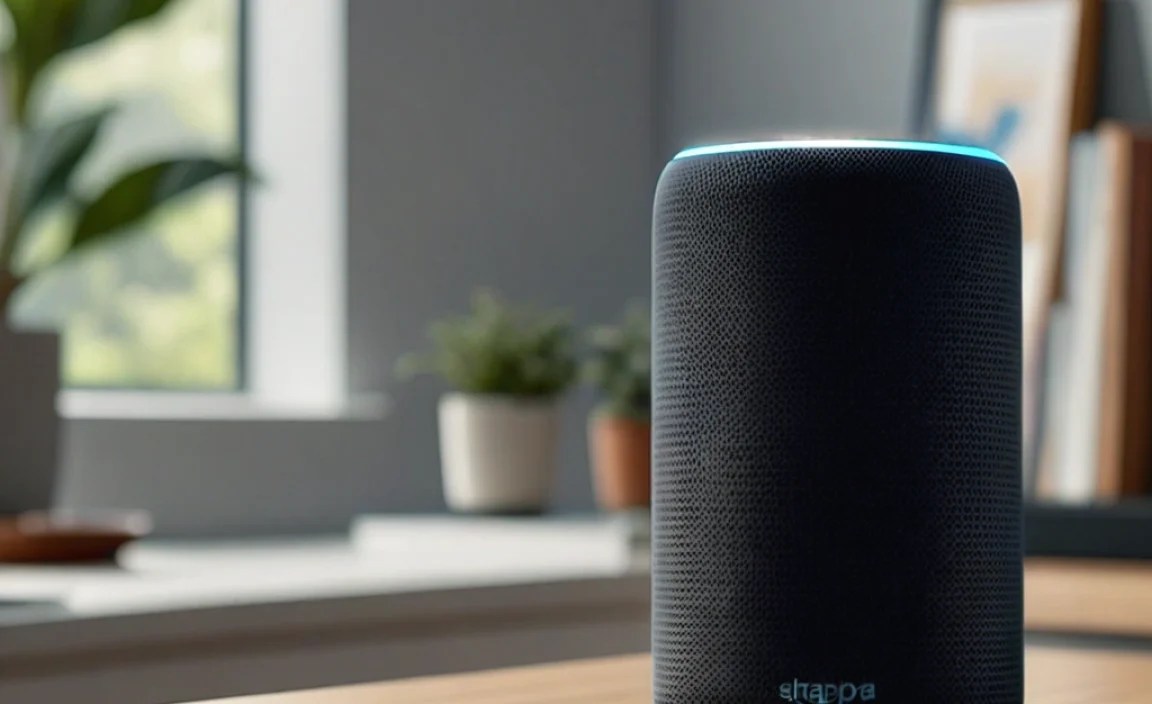
When it comes to smart speakers under $100, the Amazon Echo Dot (5th Gen) stands out as an exceptional value. It’s not just a good option; it’s often our go-to recommendation for anyone starting with smart home tech or looking for an affordable way to add Alexa to another room.
While it might be small, the Echo Dot (5th Gen) packs a powerful punch in terms of features and performance. Amazon has consistently refined this model, focusing on delivering a great user experience at an accessible price point.
What Makes the Echo Dot (5th Gen) a Winner?
The latest generation of the Echo Dot has seen some significant improvements, especially in audio quality. It offers a richer sound experience than its predecessors, making it more enjoyable for casual music listening, podcasts, or just hearing Alexa’s responses clearly.
Here are some of the key highlights:
- Improved Audio: Featuring a larger driver than previous generations, it delivers clearer vocals and deeper bass. It’s surprising how much sound comes out of this little device!
- Smart Home Hub Capability: The 5th Gen Echo Dot includes built-in eero Built-in Wi-Fi, which can extend your home network coverage, and can also act as a Zigbee smart home hub if you get the model with Eero Built-in. This allows it to directly control compatible smart home devices that use Zigbee, without needing a separate hub from another brand. While not all models have this, it’s a fantastic feature if you find one!
- Tap Gestures: You can tap the top of the device to pause/resume music, end calls, or snooze alarms, adding a convenient physical control option.
- Sleek Design: It’s small, unobtrusive, and available in different colors to blend into your home decor.
- Full Alexa Experience: You get all the core Alexa features: voice control, music streaming, smart home control, setting timers, asking questions, and much more.
This combination of enhanced audio, smart home potential, and the full Alexa experience makes it incredibly compelling for its price. You can often find it regularly priced at $50, and on sale even lower during Amazon’s Prime Day or Black Friday events, easily keeping it under our $100 target.
Key Specifications of the Echo Dot (5th Gen)
To give you a clearer picture, here’s a quick look at some of its technical details:
| Feature | Specification |
|---|---|
| Voice Assistant | Amazon Alexa |
| Connectivity | Wi-Fi 802.11 a/b/g/n/ac (2.4 and 5 GHz), Bluetooth |
| Audio | Forward-facing full-range speaker (3rd generation Amazon AZ2 Neural Edge processor for faster voice recognition) |
| Dimensions | 3.9” x 3.9” x 3.5” (100mm x 100mm x 89mm) |
| Power | 15W Power Adapter (included) |
| Smart Home Compatibility | Works with thousands of smart home devices. Some models include Zigbee smart home hub capabilities. Supports Matter. |
| Colors | Charcoal, Deep Sea Blue, Glacier White |
Setting Up Your Echo Dot: A Simple Step-by-Step Guide
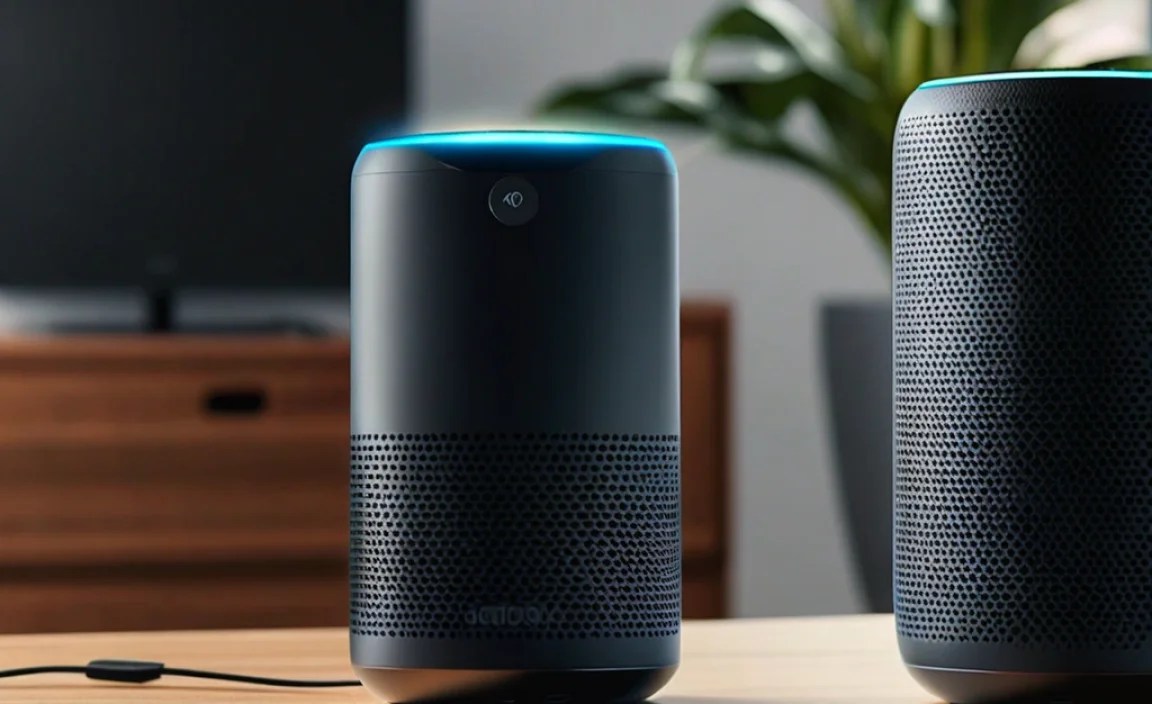
Getting your new Echo Dot up and running is surprisingly easy. You don’t need to be a tech whiz to do it! Just follow these simple steps, and you’ll be chatting with Alexa in no time.
What You’ll Need:
- Your Amazon Echo Dot (5th Gen)
- The included power adapter
- A Wi-Fi network with an internet connection
- A smartphone or tablet (iOS or Android)
- The Amazon Alexa app (free to download from your device’s app store)
The Setup Process:
- Plug It In: Connect the power adapter to your Echo Dot and plug it into a wall outlet. The light ring on top will turn blue, then orange. Alexa will greet you and tell you to open the Alexa app to complete the setup.
- Download the Alexa App: If you haven’t already, download the Amazon Alexa app from the Apple App Store or Google Play Store onto your smartphone or tablet.
- Open the App and Sign In: Launch the Alexa app. You’ll need to sign in with your Amazon account. If you don’t have one, you’ll need to create one.
- Add a Device: In the app, tap on “Devices” (usually found at the bottom). Then, tap the plus sign (+) in the top right corner and select “Add a Device.”
- Choose Your Device: Select “Amazon Echo” and then “Echo, Echo Dot, Echo Pop, etc.” The app will then guide you to select your specific Echo Dot model.
- Connect to Wi-Fi: Follow the on-screen prompts to connect your Echo Dot to your home Wi-Fi network. You’ll need to select your network name and enter your Wi-Fi password.
- Wait for Connection: Your Echo Dot will connect to your Wi-Fi. The light ring will turn off once it’s successfully connected. Alexa will then confirm the connection.
- Explore and Personalize: Your Echo Dot is now set up! You can start asking Alexa questions, playing music, or exploring the “Skills” section in the Alexa app to add more capabilities. You can also customize settings like your preferred music service, news sources, and general routines.
It really is that simple! Most people are up and running within 15-20 minutes. For more in-depth help, Amazon provides detailed setup guides on their support pages, which are a great resource.
Other Great Smart Speaker Options Under $100
While the Echo Dot (5th Gen) is our top pick, it’s not the only solid choice in the sub-$100 category. Depending on your specific needs or if you find a great deal, these other options are also worth considering.
Google Nest Mini (2nd Gen)
If you’re more invested in Google’s ecosystem (like Google Photos, Google Calendar, or prefer Google Assistant), the Nest Mini is the equivalent budget option. It offers excellent voice recognition for Google Assistant, good sound for its size, and seamless integration with other Google services.
- Voice Assistant: Google Assistant
- Pros: Great integration with Google services, good voice recognition, compact design.
- Cons: Bass can be a bit weak compared to the Echo Dot (5th Gen), no built-in smart home hub capabilities.
- Price: Typically $49, often on sale for $30-$40.
Amazon Echo Dot (5th Gen) with Clock
This is essentially the same great Echo Dot (5th Gen) but with an added LED display. This display can show the time, alarms, weather icons, and even timers. It’s perfect for a bedside table or kitchen counter where seeing the time at a glance is useful.
- Voice Assistant: Amazon Alexa
- Pros: All the benefits of the regular Echo Dot (5th Gen) plus a helpful LED display.
- Cons: Slightly higher price point than the standard Echo Dot, color options are limited to White or Black.
- Price: Typically $50-$60, often on sale for $40-$50.
This model is a fantastic upgrade if the clock feature adds significant value for your daily use, and still comfortably sits under our $100 budget.
Amazon Echo Pop
The Echo Pop is Amazon’s newest ultra-budget smart speaker. It’s designed to be even more affordable and has a unique, colorful design. It offers a good way to add Alexa functionality to small spaces like a dorm room or office.
- Voice Assistant: Amazon Alexa
- Pros: Very budget-friendly, compact and colorful design, decent audio for its size and price.
- Cons: Audio quality isn’t as rich as the Echo Dot (5th Gen), no advanced smart home hub features.
- Price: Typically $40, often on sale for $20-$30.
This is a great option if price is your absolute highest priority and you just need basic Alexa voice control and music playback in a small room.
Budget Smart Speaker Comparison
Here’s a quick table to help you see the differences at a glance:
| Model | Key Feature | Typical Price (USD) | Best For |
|---|---|---|---|
| Echo Dot (5th Gen) | Balanced audio, smart home potential | $49 | Overall value, music, smart home starter |
| Echo Dot (5th Gen) with Clock | LED Display for Time/Alarms | $59 | Bedside tables, kitchens, always-on info |
| Google Nest Mini (2nd Gen) | Google Assistant integration | $49 | Google ecosystem users, everyday info |
| Echo Pop | Ultra-budget, colorful design | $39 | Small spaces, absolute lowest price |
Beyond the Speaker: Expanding Your Smart Home on a Budget
One of the most exciting aspects of getting a smart speaker is the gateway it opens to a connected home. With a speaker under $100, you can start building a smart home without a massive investment. Many affordable smart home devices complement your new Alexa speaker perfectly.
Here are a few beginner-friendly smart home devices that work well with Alexa and are typically under $50, often even under $30:
- Smart Plugs: These plug into your existing wall outlets, and you plug your lamps, fans, or coffee makers into them. Then, you can control those simple appliances using voice commands via Alexa. For example, “Alexa, turn on the living room lamp.” Some popular brands include Kasa (TP-Link), Wyze, and Amazon’s own Amazon Smart Plug. The Internet of Things (IoT), which smart plugs are a part of, is rapidly evolving, making these devices more affordable and capable.
Frequently Asked Questions
What does “smart speaker” actually mean?
A smart speaker is a wireless speaker with a built-in virtual assistant, like Amazon’s Alexa or Google Assistant. You can talk to it to play music, get information, control smart home devices, set reminders, and much more. It connects to your Wi-Fi to access these services.
Why is Alexa popular in smart speakers?
Alexa is popular because Amazon has developed a vast ecosystem of compatible devices and skills (apps for Alexa). It’s good at understanding voice commands, and many smart speakers use it, making it easy to find devices that work with Alexa. Plus, Amazon frequently updates Alexa’s capabilities.
Can I get a smart speaker with Alexa for less than $100?
Absolutely! Many excellent smart speakers with Alexa can be found for under $100. The key is looking at models that focus on core functionality and perhaps a slightly less premium design. The Amazon Echo Dot series is a prime example of a high-value option.
What are the main features to look for in a budget smart speaker?
For a budget smart speaker, focus on reliable voice recognition, decent audio quality for casual listening, easy setup, and compatibility with the smart home devices you might own or plan to buy. Advanced features like premium sound or displays are often sacrificed to meet the lower price point.
What’s the difference between a smart speaker and a regular Bluetooth speaker?
A regular Bluetooth speaker connects to your phone or tablet to play music via Bluetooth. A smart speaker, on the other hand, connects to Wi-Fi and has a virtual assistant (like Alexa) built-in, allowing for voice commands, internet access, and smart home control, in addition to playing music.