
The best TV for your apartment is typically a 43-inch to 55-inch model with smart features, good picture quality, and multiple HDMI ports, balancing screen size with your living space. Consider your room dimensions and viewing distance for the perfect fit.
Living in an apartment often means a cozy space, and choosing the right TV can feel like navigating a maze. You want a great viewing experience without overwhelming your room or breaking the bank. It’s easy to get lost in technical specs and endless model numbers. But don’t worry! This guide is here to help you find the perfect TV that fits your apartment, your budget, and your entertainment needs. We’ll break down what really matters, making the decision simple and stress-free.
Let’s dive into how to pick a TV that complements your apartment living.
Understanding TV Sizes for Apartments

When it comes to apartments, size really does matter, but maybe not in the way you think. A TV that’s too big can make a small room feel cramped, while one that’s too small might not offer the immersive experience you crave. The key is matching the TV’s diagonal screen measurement to your viewing distance.
A good rule of thumb is to consider your primary seating position. For High Definition (HD) content, a general guideline is to sit about 1.5 to 2.5 times the screen’s diagonal size away. For 4K Ultra HD content, you can sit closer, about 1 to 1.5 times the screen’s diagonal size, because the higher resolution means you won’t see individual pixels up close.
For most apartment living rooms, this usually lands you in the sweet spot of 43 inches to 55 inches. This range offers a satisfying viewing experience without dominating the space. Larger TVs might be tempting, but in a smaller apartment, they can feel imposing and make the room seem even smaller. Always measure your space and consider where the TV will sit before you buy.
Common TV Screen Sizes and Their Apartment Suitability
32-inch TVs: Great for smaller bedrooms, kitchens, or very compact living areas. They offer a comfortable viewing experience for close-up seating.
43-inch TVs: An excellent all-around choice for most apartment living rooms. They provide a good balance of screen real estate and space efficiency.
50-inch TVs: A popular option that offers a more cinematic feel without being overwhelming for average apartment spaces.
55-inch TVs: Can work well in slightly larger apartment living rooms or if your primary seating is a bit further back. Always measure!
60-inch+ TVs: Generally too large for typical apartment viewing distances. They can cause eye strain and make the room feel smaller.
Key Features to Look For in an Apartment TV

Beyond just the size, several features can significantly enhance your viewing pleasure, especially in an apartment setting where you might be using your TV for more than just watching shows.
Picture Quality: Resolution and Panel Technology
Resolution: For apartments, 4K Ultra HD (UHD) is the standard to aim for. It offers four times the pixels of Full HD (1080p), resulting in sharper, more detailed images. Even on smaller screens, 4K makes a difference.
Panel Technology:
LED/LCD: The most common and budget-friendly. They are bright and energy-efficient.
QLED: An enhancement of LED technology, offering better color and brightness. Great for well-lit rooms.
OLED: Produces perfect blacks and incredible contrast ratios, making for stunning picture quality. Ideal for darker rooms, but can be more expensive.
Smart TV Capabilities
Most modern TVs are “smart,” meaning they connect to the internet and offer built-in apps for streaming services like Netflix, Hulu, Amazon Prime Video, and Disney+.
Operating System: Different brands use different smart TV platforms (e.g., Google TV, Roku TV, webOS, Tizen). Look for one that is user-friendly and offers all the streaming apps you enjoy.
Connectivity: Ensure it has Wi-Fi and Ethernet ports for reliable internet access.
Sound Quality
TV speakers are often an afterthought. In an apartment, you might be conscious of noise for neighbors, but you also want a decent audio experience.
Built-in Speakers: Most basic TVs have adequate sound. If you’re a sound enthusiast, plan to upgrade with a soundbar or external speakers later.
Audio Output Options: Look for HDMI ARC (Audio Return Channel) or optical audio outputs to easily connect a soundbar.
Connectivity: Ports and Wireless
HDMI Ports: Essential for connecting devices like gaming consoles, Blu-ray players, and streaming sticks. Aim for at least 2-3 HDMI ports. HDMI 2.1 is becoming standard and is crucial for the latest gaming consoles’ advanced features.
USB Ports: Useful for playing media files from a USB drive or powering small devices.
Bluetooth: Handy for connecting wireless headphones or speakers, which can be a lifesaver in an apartment if you want to watch late at night without disturbing others.
Top Picks: Best TVs for Apartment Living (Under 55 Inches)
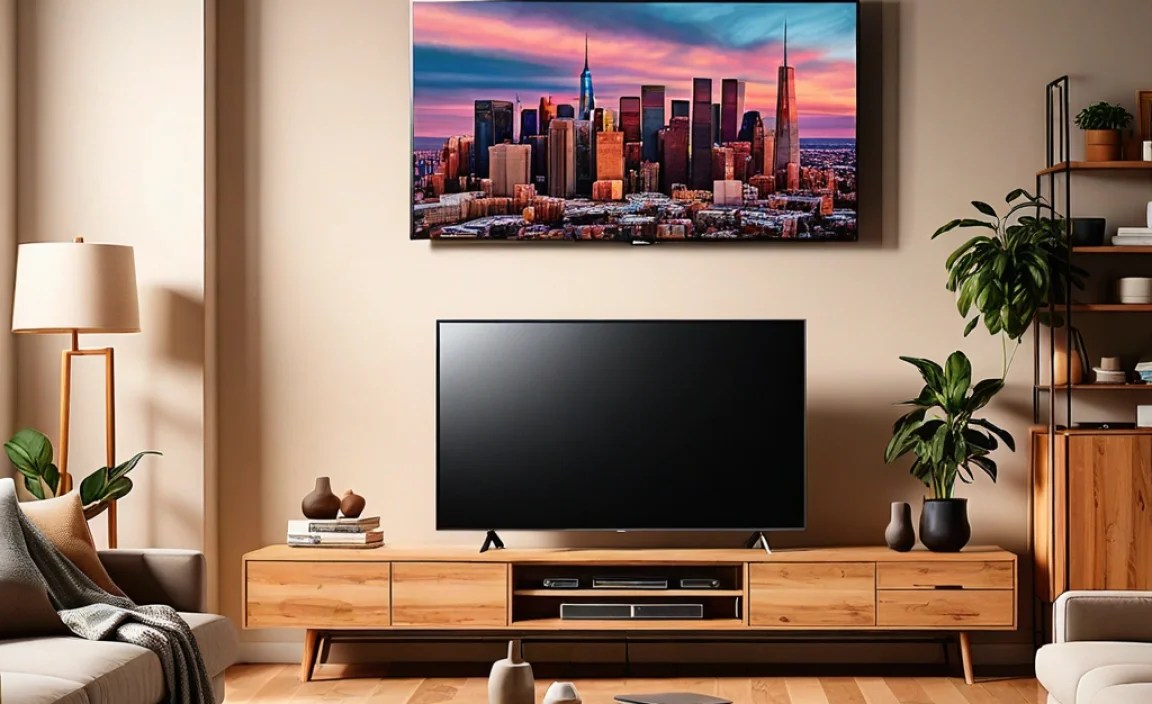
Here’s a look at some popular and highly-rated TV options that are perfect for apartment dwellers, categorized to help you narrow down your choices.
Best Overall Value: TCL 4-Series Roku TV (43-inch or 50-inch)
The TCL 4-Series offers an incredible balance of features, performance, and price. Its integrated Roku TV platform is exceptionally user-friendly, offering access to thousands of streaming channels and apps. The picture quality is more than sufficient for casual viewing, and the 4K resolution provides sharp detail. It’s an ideal choice for those who want a reliable, easy-to-use smart TV without overspending.
| Feature | TCL 4-Series Roku TV (43-50 inch) |
| Screen Sizes | 32″ – 65″ (43″ & 50″ ideal for apartments) |
| Resolution | 4K Ultra HD |
| Smart Platform | Roku TV |
| Refresh Rate | 60Hz |
| Key Strengths | Excellent value, simple interface, wide app support |
| Potential Downsides | Peak brightness might be limited for very bright rooms, sound is basic |
Best for Gamers & Bright Rooms: Hisense U6K Series (50-inch or 55-inch)
For apartment dwellers who double as gamers or have brighter living spaces, the Hisense U6K series is a fantastic pick. It often incorporates Quantum Dot (QLED) technology for vibrant colors and impressive brightness, combating glare effectively. It usually boasts a 120Hz native refresh rate (on larger sizes, check specs for specific models), which is excellent for smoother motion in fast-paced games and sports. The inclusion of features like Dolby Vision and HDR10+ means you get impressive dynamic range for movies and shows.
| Feature | Hisense U6K Series (50-55 inch) |
| Screen Sizes | 50″ – 75″ (50″ & 55″ ideal) |
| Resolution | 4K Ultra HD |
| Smart Platform | Google TV |
| Refresh Rate | 120Hz native (check model) |
| Key Strengths | Bright picture, vibrant colors, good for gaming, Dolby Vision/HDR10+ |
| Potential Downsides | Black levels aren’t as deep as OLED, sound is average |
Best Picture Quality on a Budget: Vizio M-Series Quantum (50-inch or 55-inch)
Vizio’s M-Series Quantum line consistently offers excellent picture quality for its price. These TVs often feature QLED technology for enhanced color and brightness, along with Full Array LED backlighting for better contrast and deeper blacks than standard edge-lit models. They support major HDR formats, breathing life into compatible content. They typically run on Vizio’s SmartCast platform, which is integrated with Chromecast for easy streaming from mobile devices.
| Feature | Vizio M-Series Quantum (50-55 inch) |
| Screen Sizes | 43” – 75″ (50″ & 55″ ideal) |
| Resolution | 4K Ultra HD |
| Smart Platform | SmartCast (with Chromecast built-in) |
| Refresh Rate | 60Hz native (up to 120Hz effective) |
| Key Strengths | Great color and contrast for the price, good HDR support |
| Potential Downsides | SmartCast can sometimes be less intuitive than Roku or Google TV, limited advanced gaming features |
Best Compact Option: Samsung QLED 4K TV Q60 Series (43-inch)
If you have a truly compact space, like a studio apartment or a bedroom, the 43-inch variant of Samsung’s QLED 4K TV (like the Q60 series) is a premium choice. It packs excellent QLED picture quality, vibrant colors, and smart features into a smaller chassis. The Quantum Processor ensures upscaling of lower-resolution content is handled well, and it usually offers a smooth, responsive smart TV experience with Samsung’s Tizen OS. It’s a great option if you prioritize picture quality and brand reputation in a smaller size.
| Feature | Samsung QLED 4K Q60 Series (43 inch) |
| Screen Sizes | 32” – 75″ (43″ ideal for small spaces) |
| Resolution | 4K Ultra HD |
| Smart Platform | Tizen OS |
| Refresh Rate | 60Hz |
| Key Strengths | Excellent QLED picture quality in a small size, stylish design, good app selection |
| Potential Downsides | More expensive than budget options, less immersive for larger rooms |
Setting Up Your TV: Tips for Small Spaces
Once you’ve chosen your perfect apartment TV, setting it up correctly can make a big difference in how it performs and how it fits into your space.
Viewing Distance Revisited
As mentioned earlier, proper viewing distance is crucial. For a 50-inch 4K TV, sitting about 5 to 7.5 feet away is ideal. If your apartment is smaller, you might need to adjust your furniture layout to achieve this optimal distance. Measure your space before you buy to avoid disappointment. You can find detailed recommendations from organizations like Rtings.com, a reputable source for TV reviews and measurement data.
Mounting vs. Stand
TV Stand: Most TVs come with a stand. Ensure it’s stable and appropriate for the TV’s size and weight. Placing the TV on a stand is the simplest setup.
* Wall Mounting: In small apartments, wall mounting can save floor space and create a cleaner, more integrated look. It positions the TV at eye level, which is ergonomically better for viewing. Ensure you use the correct mounting hardware for your wall type (studs are always recommended for secure mounting). Check your TV’s VESA mounting pattern against the mount’s specifications. You can find guides on how to mount a TV safely from resources like The Home Depot.
Cable Management
Visible cables can make even the neatest apartment look cluttered. Consider these solutions:
- Cable Sleeves or Wraps: These bundle cables together to keep them tidy.
- Cable Channels/Raceways: These stick to walls or baseboards and hide cables completely.
- Mounting Solutions: Some wall mounts have built-in cable management systems.
- Wireless Devices: Utilize Bluetooth for headphones or speakers where possible.
Soundbar Integration
To improve your audio without taking up much extra space, a soundbar is an excellent apartment companion. They typically sit discreetly in front of your TV or can be wall-mounted. Look for soundbars with HDMI ARC support for a single-cable connection that simplifies setup and control.
Frequently Asked Questions About Apartment TVs
Q1: What is the ideal TV size for a small apartment living room?
A: For most small apartments, a TV between 43 and 55 inches is ideal. This size balances an immersive
viewing experience with the room’s dimensions. Always measure your viewing distance first.
Q2: Do I need a 4K TV for an apartment?
A: Yes, 4K resolution is highly recommended as it offers significantly sharper and more detailed images,
making your viewing experience much better, even on smaller screens.
Q3: How important is refresh rate for apartment TVs?
A: A standard 60Hz refresh rate is sufficient for most casual viewing, like streaming movies and TV shows. If you’re a serious gamer or watch a lot of fast-paced sports, consider a 120Hz TV for smoother motion.
Q4: Are OLED TVs good for apartments?
A: OLED TVs offer stunning picture quality, but they can be expensive and may not perform as well in very bright rooms, which can be common in city apartments. They are best for rooms where you can control the lighting.
Q5: How can I improve the sound from my apartment TV?
A: The built-in speakers on most TVs are basic. A soundbar is an excellent, space-saving solution to significantly
enhance your audio experience. Many soundbars connect easily via HDMI ARC.
Q6: Should I wall-mount my TV in an apartment?
A: Wall-mounting can be a great space-saver in apartments, making the room feel larger and cleaner. Just ensure you mount it securely to a wall stud or use appropriate anchors.
Q7: What does “Smart TV” mean for apartment living?
A: A Smart TV connects to the internet, allowing you to stream content directly from apps like Netflix, Hulu,
and YouTube without needing a separate streaming device. This simplifies your setup.
Conclusion
Finding the best TV for your apartment doesn’t have to be a headache. By focusing on screen size relative to viewing distance, understanding essential features like resolution and smart capabilities, and considering your specific needs – whether it’s gaming, cinematic viewing, or simply streaming your favorite shows – you can make an informed decision. The 43-inch to 55-inch range generally offers the best compromise for most apartment living spaces. Investing in a TV that fits your room and your lifestyle will undoubtedly enhance your home entertainment experience, making your apartment feel more like a personalized sanctuary.
Remember to measure your space, compare a few models that fit your budget, and prioritize the features that matter most to you. Happy viewing!