
Looking to add some flair to your TV setup? This guide reviews TV backlight LED strips. We cover everything from choosing the right strip to installation and optimization for an immersive viewing experience. Get ready to transform your entertainment space!
So, you’ve got a shiny new TV, and it looks great. But something feels a little… flat? Many of us want to make our home entertainment more exciting. TV backlight LED strips can do just that! They add a soft glow behind your screen. This makes watching movies and playing games feel more immersive. It can also reduce eye strain in a dim room. But with so many options, where do you even start?
Don’t worry! This guide is here to help. We’ll walk you through everything you need to know about TV backlight LED strips. We’ll cover what to look for, how to install them, and how to get the best results. Let’s dive in and make your TV setup shine!
Why Add an LED Backlight to Your TV?
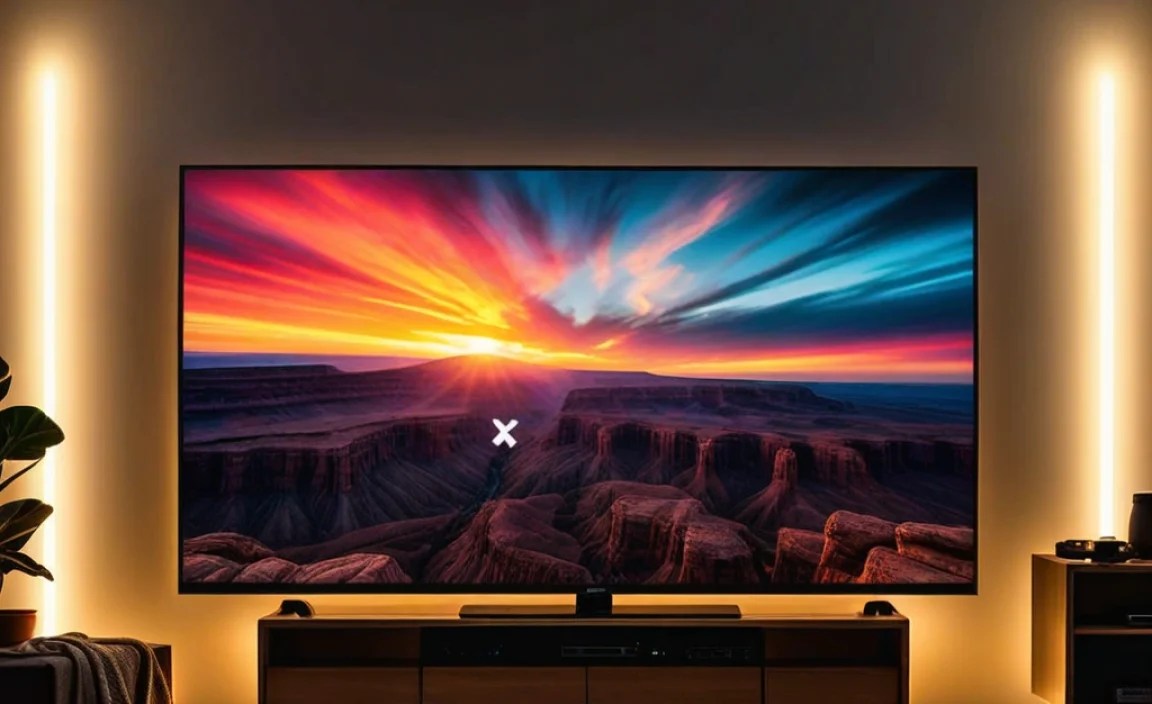
Adding an LED backlight to your TV isn’t just about looks. It’s about enhancing your viewing experience. These strips can create a halo of light around your screen. This can make the colors on your TV appear more vibrant. It also helps blend the edges of the screen with your wall. This reduces the common “floating screen” effect. For the tech-savvy, this is often referred to as bias lighting.
Benefits of TV Backlight LED Strips
Enhanced Immersion: The soft ambient light helps blur the lines between the screen and the wall. This can make movies and games feel more engaging.
Reduced Eye Strain: In dark rooms, bright screens can strain your eyes. Bias lighting provides a gentle glow that softens the contrast between the screen and its surroundings. This is particularly useful for long viewing sessions.
Improved Perceived Contrast: By illuminating the wall behind the TV, LED backlights can make the black levels on your screen appear deeper and more true to life.
Aesthetic Appeal: They add a modern, stylish touch to your entertainment setup. You can choose from millions of colors and dynamic effects to match your mood or décor.
Easy Installation: Most LED strips are designed for simple DIY installation, often attaching with adhesive backing.
Types of TV Backlight LED Strips

When you start looking for TV LED backlights, you’ll notice a few main types. Each has its own set of features and benefits. Understanding these will help you pick the perfect one for your needs.
Basic LED Strips
These are the most straightforward. They usually come with a single color or a basic set of RGB (Red, Green, Blue) colors. They are controlled via a simple remote.
Pros: Affordable, easy to set up, good for basic mood lighting.
Cons: Limited color options, no advanced features, manual control.
Addressable RGB (ARGB) / Magic Color LED Strips
These are the stars of the show! ARGB strips allow each LED on the strip to be controlled individually. This means you can have multiple colors displaying on the strip at the same time, creating dynamic, flowing effects like rainbows or chasing lights.
Pros: Stunning visual effects, customizable patterns, vibrant colors, sync with music or on-screen content (with compatible controllers).
Cons: More expensive than basic strips, setup can be slightly more complex, requires a more advanced controller.
Smart LED Strips (Wi-Fi/Bluetooth Enabled)
These strips connect to your home network via Wi-Fi or Bluetooth. They offer control through smartphone apps. Many can integrate with smart home ecosystems like Amazon Alexa or Google Assistant.
Pros: App control, voice control, scheduling, scene creation, integration with other smart devices, often support ARGB effects.
Cons: Higher price point, reliance on Wi-Fi/Bluetooth stability, app usability can vary.
HDMI Sync LED Strips
These are the most advanced and immersive. They connect directly to your TV’s HDMI output or use a separate sync box. They analyze the colors displayed on your screen and mirror them onto the LED strip behind the TV in real-time. This creates a seamless extension of the on-screen action.
Pros: Ultimate immersion, perfectly matches on-screen content, dynamic and responsive.
Cons: Most expensive option, requires specific setup and configuration, can sometimes have a slight delay.
Key Features to Consider When Buying
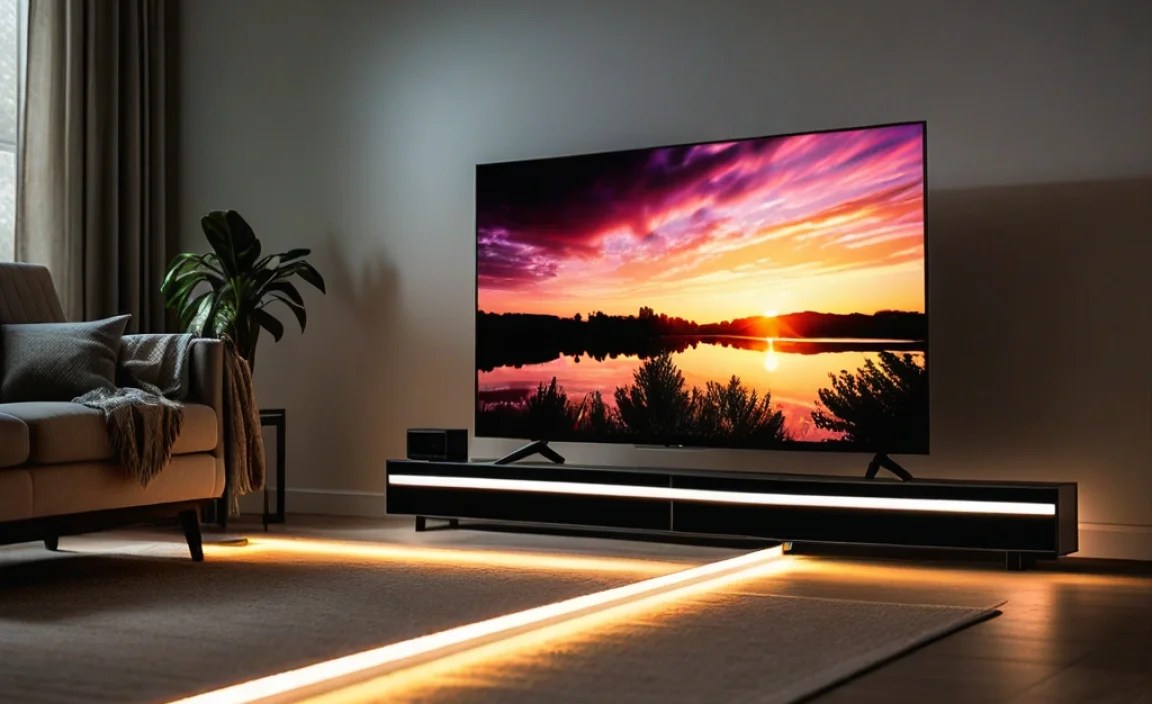
Choosing the right TV backlight LED strip involves looking at several key features. Don’t get overwhelmed; let’s break them down.
Length and Cut-ability
Measure the perimeter of your TV. You’ll want a strip long enough to go around all sides, or at least the top and sides. Most LED strips are designed to be cut to size. Look for cut marks on the strip (usually indicated by a scissor icon). This allows for a custom fit.
Tip: It’s better to have a slightly longer strip you can cut than one that’s too short. For example, a 5-meter (16.4 ft) strip is common and suitable for most mid-sized to large TVs.
Color Quality and Brightness
Look for strips that offer a wide color gamut and good color accuracy. RGBIC (RGB + Integrated Circuits) technology is a good indicator of advanced color control within a single strip. Brightness is also important; you want enough light to create a noticeable effect without being distracting. Check reviews for comments on color consistency and brightness levels.
Control Options
Remote Control: Basic and common. Usually infrared (IR) or radio frequency (RF). RF remotes don’t need direct line-of-sight.
App Control: Offers more advanced features, customization, and voice control if integrated with smart assistants.
Voice Control: For smart strips, compatibility with platforms like Alexa or Google Assistant is a big plus for convenience.
Sync Box/HDMI Sync: The most sophisticated control, directly linking the lights to on-screen content.
Power Source
Most TV LED strips are powered via USB. This is incredibly convenient as you can plug them directly into your TV’s USB port. Ensure your TV has a powered USB port that won’t shut off when the TV is in standby mode, or use a separate USB power adapter.
Adhesive Quality
A good, strong adhesive is crucial for a secure installation. Most LED strips come with 3M adhesive backing. Some come with extra clips or mounting brackets for added security, especially for heavier or longer strips.
Water Resistance (IP Rating)
While not usually critical for indoor TV backlighting, some strips have an IP rating (e.g., IP20, IP65). Higher numbers mean better protection against dust and moisture. For a TV setup, IP20 (dust protected) is generally sufficient.
Software/App Support (for Smart Strips)
If you opt for smart LEDs, check the app’s reviews. Is it user-friendly? Does it offer the customization you want? Are there regular updates? A well-supported app can make a big difference.
Let’s look at some specifications in a table for clarity:
| Feature | Basic RGB | Addressable RGB (ARGB/RGBIC) | Smart/Wi-Fi | HDMI Sync |
|---|---|---|---|---|
| Color Control | Single color per strip, or basic RGB mixing. | Individual LED control for multi-color effects. | App-controlled, often with ARGB effects. | Real-time screen mirroring. |
| Complexity | Very Simple | Simple to Moderate | Moderate | Complex |
| Price Range | $ | $$ | $$ – $$$ | $$$$ |
| Immersion Level | Low | Medium | Medium – High | Very High |
| Connectivity | IR Remote | RF Remote / App | Wi-Fi / Bluetooth | HDMI Passthrough / Sync Box |
How to Choose the Right TV Backlight LED Strip: A Step-by-Step Guide
Ready to pick your perfect LED strip? Follow these steps to make an informed decision.
Step 1: Measure Your TV
Grab a tape measure. Measure the diagonal screen size of your TV, as this is how most are sold. Then, measure the width and height of the bezel (the border around the screen). You’ll also want to measure the distance around the back edges of the TV. This will give you an idea of how much length you need. Standard lengths like 2 meters (6.5 ft), 4 meters (13 ft), and 5 meters (16.4 ft) are common.
Example: For a 55-inch TV, you might need around 3-4 meters of strip to cover the top and sides. If you want to go all the way around, measure that perimeter.
Step 2: Determine Your Desired Effect
What are you hoping to achieve?
Simple ambient glow: A basic RGB strip or a single-color smart strip might suffice.
Dynamic, colorful effects: Look for addressable RGB (ARGB/RGBIC) strips.
Smart home integration or advanced customization: Smart Wi-Fi/Bluetooth strips are the way to go.
Ultimate immersion that syncs with your show: HDMI sync systems are designed for this.
Step 3: Set Your Budget
LED TV backlights range from budget-friendly options ($15-$30) to premium HDMI sync systems ($100-$200+).
Budget: Basic RGB or basic smart strips.
Mid-range: Addressable RGB, more advanced smart strips.
High-end: Premium smart strips, HDMI sync kits.
Step 4: Check Compatibility
Power: Most use USB. Ensure your TV has a suitable USB port, or be prepared to use a wall adapter. You can find more information on USB power requirements from the USB Implementers Forum (USB-IF) to understand port capabilities.
Controller: How do you want to control it? Remote, app, voice?
Smart Home: If you use Alexa, Google Home, or Apple HomeKit, check for explicit compatibility mentions.
Step 5: Read Reviews
Once you’ve narrowed down your choices, dive into user reviews. Look for comments on:
Adhesive strength
Color accuracy and brightness
Reliability and longevity
Ease of installation and app usability
Customer support responsiveness
Installing Your TV Backlight LED Strip
Installation is usually straightforward, but a few tips can make it even easier.
What You’ll Need (Typically)
Your chosen LED light strip kit (includes strip, power supply, controller, and often remote)
Cleaning cloth (microfiber is best)
Isopropyl alcohol (optional, for degreasing the surface)
Scissors (if you need to cut the strip)
Measuring tape
A steady hand!
Step-by-Step Installation Process
1. Plan the Layout: Decide exactly where you want the strip to go. Most people attach it to the back of the TV, along the edges. You could also mount it on the wall behind the TV.
2. Clean the Surface: Thoroughly clean the back of your TV or the wall where you’ll be attaching the strip. Use a damp cloth, and for stubborn grease, a little isopropyl alcohol works wonders. Let it dry completely.
3. Test the Strip: Before applying the adhesive, plug in the LED strip and test all functions with the remote or app. Make sure all colors light up and the controller works as expected. This is your chance to catch any defects.
4. Cut to Size (If Necessary): If your strip is too long, carefully cut it at the designated cut marks. Do NOT cut anywhere else, as it will damage the strip.
5. Apply the Adhesive: Peel back a small section of the adhesive backing at a time. Carefully align the strip where you want it and press it firmly onto the surface as you go. Work your way around the TV.
6. Connect the Power: Plug the LED strip into its power adapter. For USB-powered strips, plug directly into your TV’s USB port or a wall adapter. Position the adapter discreetly.
7. Power On and Enjoy: Turn on your TV and the LED lights. Set your preferred color or effect.
Optimizing Your TV Backlight for the Best Experience
Just attaching the strip is only half the fun! Here’s how to make it work for you.
Adjusting Brightness
The ideal brightness is one that creates a subtle glow without being distracting. Experiment with different levels. Too bright, and it competes with the screen. Too dim, and you won’t get the full effect. Most apps and remotes offer fine-grained control.
Choosing Colors
Static White (Bias Lighting): For pure bias lighting, a neutral white (around 6500K color temperature) is often recommended by professionals. This provides accurate color rendering and optimal contrast enhancement without color casting. According to industry standards, like those from the Society of Motion Picture and Television Engineers (SMPTE), proper lighting conditions are key for viewing accuracy.
Dynamic Colors for Mood: For gaming or movies, choose colors that complement the on-screen action or create a specific mood. Blues and greens can be calming, while reds and oranges can be exciting.
Syncing with Content: If you have an HDMI sync system, let it do its magic! For other ARGB/RGBIC strips, some apps allow you to select basic “on-screen color matching” modes, though it won’t be as precise as dedicated sync systems.
Placement Matters
Straight Edge: Attaching the strip to the flat back of the TV usually provides the most even light spread.
Corner Bends: If your strip needs to bend around corners, use strips designed for this or be very gentle. Folding or kinking can damage LEDs. Some strips come with connectors for sharp turns.
Wall vs. TV: Mounting the strip on the wall vs. directly on the TV can alter the dispersion of light. Wall mounts tend to create a softer halo, while TV mounts can be more direct.
Integration with Smart Home Systems
If you spent a bit more on a smart strip, take the time to set it up with your voice assistant. This allows for effortless control. Imagine saying, “Hey Google, set TV lights to movie mode,” and having them instantly adjust!
Popular Brands and Models (Examples)
While I can’t give real-time product availability, here are some types of brands and models that are popular in the market. Always check current reviews and specifications before purchasing.
Budget-Friendly Options
Govee Basic LED Strips: Often come with simple remotes and a good range of colors for the price. Great for beginners.
Minger (often found on Amazon): A widely available brand offering very affordable RGB strips with remote control.
Mid-Range & Smart Features
Govee RGBIC/Smart Strips: These are very popular. They offer app control, music sync, and advanced ARGB effects. Models like the H6199 or H5052 are excellent examples to look up.
LIFX Z Strip: Known for excellent color quality and smart home integration, though typically pricier than Govee.
Premium & HDMI Sync Systems
Philips Hue Play Gradient Lightstrip: A high-end option that directly syncs with your TV content using the Philips Hue Sync Box and bridge. Offers exceptional gradient color effects.
Govee TV DreamView/T1/T2 Kits: These kits include an LED strip and a camera that “watches” your screen to sync the lights. Offers a more affordable alternative to Hue’s sync box approach.
Note: Prices and specific model numbers change rapidly in the electronics market. Always compare current offerings and read recent reviews.
Troubleshooting Common Issues
Even the best tech can have hiccups. Here are some common problems and their solutions.
Problem: Lights Not Turning On
Solution:
Check all connections: Make sure the strip is securely plugged into the controller and the power adapter.
Verify power source: Is the USB port providing power? Try a different port or a wall adapter. Is the adapter plugged in?
Test the outlet/port: Ensure the power source itself is working.
Problem: Remote Not Working
Solution:
Check for obstructions: If it’s an IR remote, ensure there’s a clear line of sight between the remote and the IR receiver on the controller.
Replace the battery: The most common cause!
Pairing (if applicable): Some RF or Bluetooth remotes may need re-pairing with the controller. Check the manual.