
A smart speaker with Alexa connectivity offers incredible convenience, transforming your home into a hands-free hub. These devices manage music, control smart home gadgets, provide information, and more, all through simple voice commands. Discover the genius features that make Alexa-powered smart speakers a game-changer for everyday life.
Hey there, audio adventurers and tech explorers! Bob E Riley here, ready to dive into a topic that’s making waves in homes everywhere: smart speakers with Alexa connectivity. You know, those little cylinders (or sometimes unique shapes!) that can play your favorite tunes just by asking, or dim the lights without you lifting a finger. It can feel a little overwhelming trying to figure out what makes these gadgets so special and if they’re really worth bringing into your home. Don’t sweat it! I’m going to break down the coolest, most useful features in plain English. We’ll explore how these intelligent assistants can simplify your daily routine, boost your entertainment, and even make your home smarter. Get ready to see just how genius a smart speaker with Alexa can be!
What is a Smart Speaker with Alexa Connectivity?
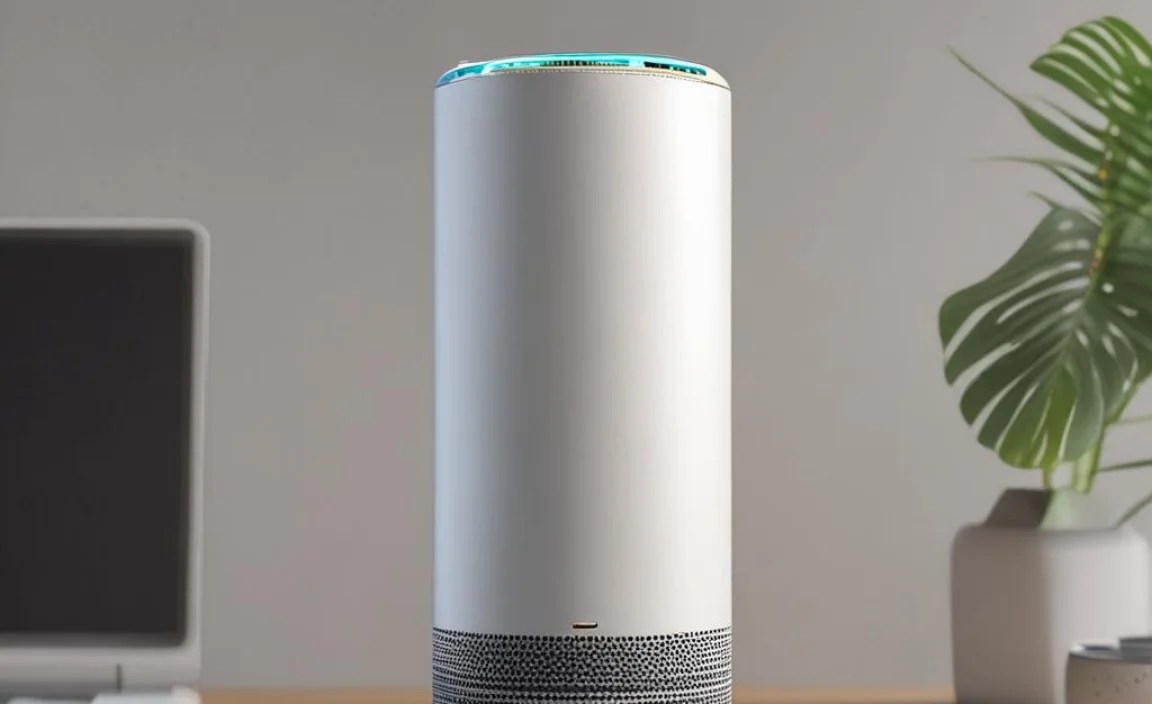
At its core, a smart speaker with Alexa connectivity is a voice-controlled virtual assistant. Think of it as a helpful assistant always ready to listen and respond to your spoken commands. Sold by Amazon, Alexa is the brain behind many of these devices, enabling them to perform a wide range of tasks. When you speak a command, like “Alexa, what’s the weather like today?” or “Alexa, play relaxing jazz music,” the smart speaker processes your request using its internet connection and cloud-based AI. It then delivers the information or performs the action you asked for, often through its built-in speaker.
The magic lies in its ability to understand natural language, connect to various online services, and control other compatible smart home devices. This integration makes it more than just a speaker; it’s a central command center for your home’s digital life and connected devices. From setting timers while you cook to getting news updates while you get dressed, these speakers are designed to make your life easier and more efficient.
The Genius Features of Smart Speakers with Alexa

Let’s get to the good stuff! What makes these devices so incredibly smart and useful? It’s a combination of innovative technology and thoughtful design. Here are some of the standout features that truly make a smart speaker with Alexa connectivity a genius addition to your home:
1. Voice Control: Your Personal Assistant at the Ready
This is the star of the show, of course. The ability to control devices, get information, and perform tasks using just your voice is revolutionary. You don’t need to find your phone, unlock it, and navigate to an app. Just say the wake word (“Alexa”) followed by your request, and it’s done. This is particularly helpful when your hands are full, you’re across the room, or you simply want instant access to information or entertainment.
- Hands-Free Convenience: Perfect for busy mornings, cooking in the kitchen, or when you’re relaxing on the couch.
- Natural Language Understanding: Alexa is designed to understand conversational speech, so you don’t need to use robotic commands.
- Accessibility: A significant benefit for individuals with limited mobility or visual impairments.
2. Entertainment Hub: Music, Podcasts, and More, On Demand
For music lovers, a smart speaker is a dream come true. You can stream songs, albums, and playlists from popular services like Spotify, Apple Music, Amazon Music, and Pandora. But it doesn’t stop there! You can also listen to podcasts, audiobooks, news briefings, and radio stations without ever touching a device.
- Stream your favorite music services: Simply ask Alexa to play specific artists, songs, genres, or playlists.
- Catch up on podcasts and news: Stay informed and entertained with daily news updates or your favorite podcast series.
- Listen to audiobooks: Enjoy hands-free listening to your latest read from platforms like Audible.
- Set the mood: Ask for ambient sounds, bedtime stories, or even game show sound effects.
3. Smart Home Control: Orchestrate Your Connected Home
This is where a smart speaker truly shines as a central hub. If you have other smart home devices like lights, thermostats, locks, or cameras, Alexa can control them with simple voice commands. This creates a seamless and integrated living experience.
Imagine this scenario: You’re settling in for a movie. Instead of getting up to dim the lights, close the blinds, and adjust the thermostat, you can simply say, “Alexa, it’s movie time.” With pre-programmed routines, Alexa can execute all these actions at once.
Some popular smart home devices that work with Alexa include:
- Smart Lights: Philips Hue, LIFX, Wyze Bulbs
- Smart Thermostats: Nest, Ecobee, Honeywell
- Smart Plugs: Wemo, Kasa Smart
- Smart Locks: August, Schlage, Yale
- Smart Security Cameras: Ring, Arlo, Wyze Cam
Learning which devices are compatible is easy. Amazon provides a comprehensive list of Alexa-compatible devices on their website, often labeled as “Works with Alexa.” You can integrate these devices through the Alexa app, allowing you to manage all your smart home gadgets from one place, or simply by voice.
4. Information on Demand: Quick Answers to Everyday Questions
Got a burning question? Alexa can provide instant answers from the web. This is incredibly useful for settling debates, planning meals, or just satisfying your curiosity.
- Weather forecasts: “Alexa, what’s the weather tomorrow?”
- Traffic updates: “Alexa, how’s the traffic to work?”
- Sports scores: “Alexa, what was the score of the game last night?”
- Unit conversions: “Alexa, how many ounces in a cup?”
- General knowledge: “Alexa, who was the 16th president of the United States?”
- Definitions and translations: “Alexa, define ‘serendipity’,” or “Alexa, how do you say ‘thank you’ in Spanish?”
5. Productivity Booster: Timers, Alarms, and Reminders
Life can get hectic, and keeping track of everything can be a challenge. Alexa acts as your personal assistant for managing your schedule and tasks.
- Set multiple timers: Essential for cooking, workouts, or even just reminding yourself to take a break.
- Create Alarms: Wake up on time or set reminders for appointments.
- Set Reminders: Never forget to pick up groceries or take medication. You can even set location-based reminders so Alexa prompts you when you arrive home.
- Add to lists: Create shopping lists, to-do lists, or packing lists easily by voice.
6. Communication Made Easy: Calling and Messaging
Depending on the specific Alexa-enabled device, you can use your smart speaker for hands-free calling and messaging. You can call other Alexa-enabled devices or even contacts on your mobile phone (if linked).
- Drop In: This feature allows you to instantly connect with other Echo family devices in your home, like a built-in intercom system.
- Voice Calling: Make free calls to friends and family who also have compatible Alexa devices or the Alexa app.
- Announcements: Send a voice message to all Echo devices in your household, like “Dinner is ready!”
- Messaging: Send short voice messages to your contacts.
7. Routines: Automate Your Day with a Single Command
This is where the “genius” really kicks in for many users. Alexa Routines allow you to chain multiple actions together and trigger them with a single voice command, time, or even when a smart home sensor detects something. This level of automation can significantly streamline your daily life.
Here are some examples of clever routines:
- “Good Morning” Routine: When you say “Alexa, good morning,” it can:
- Turn on your bedroom lights slowly.
- Read your calendar for the day.
- Give you a weather update.
- Start your favorite morning playlist on Spotify.
- “Leaving Home” Routine: When you say “Alexa, I’m leaving,” it can:
- Turn off all smart lights.
- Adjust the thermostat to an energy-saving setting.
- Lock your smart doors.
- Arm your security system.
- “Bedtime” Routine: When you say “Alexa, good night,” it can:
- Dim the lights in your bedroom.
- Set an alarm for the morning.
- Play a sleep sound or white noise.
- Lock any unlocked doors not secured by the routine.
Setting up routines is done through the Alexa app on your smartphone or tablet. It’s a powerful tool that allows you to customize your smart home experience to perfectly fit your lifestyle.
8. Skills: Expanding Alexa’s Capabilities
Think of Alexa Skills like apps for your smart speaker. Amazon has an vast library of “Skills” developed by third-party companies and individuals, which add even more functionality to your Alexa-enabled device.
- Games: Play trivia, logic puzzles, and role-playing games.
- Recipes: Get step-by-step cooking instructions from your favorite chefs or recipe sites.
- Meditation and Mindfulness: Access guided meditations and relaxation exercises.
- News Briefings: Customize your daily news from a variety of sources.
- Productivity Tools: From ordering pizza to tracking your fitness, there’s a skill for almost anything.
You can discover and enable skills through the Alexa app or by asking Alexa directly. For instance, you could say, “Alexa, enable the ‘Headspace’ skill.” The potential for customization is nearly limitless!
9. Multi-Room Audio
If you have multiple Alexa-enabled speakers throughout your home, you can create groups and play the same music simultaneously in different rooms. This is perfect for parties or simply enjoying music as you move around your house. You can group speakers by room or by specific zones, and control playback for all of them from a single command.
10. Alexa Guard and Guard Plus
This is a fantastic feature for home security and peace of mind. Alexa Guard is a free feature that allows your Echo device to listen for specific sounds when you’re away from home, such as smoke alarms, carbon monoxide alarms, or the sound of breaking glass. If it detects one of these sounds, it sends a notification to your phone.
Alexa Guard Plus is a subscription service that builds on Guard, offering additional features like:
- Detection of other sounds like sirens or leaky faucets.
- Emergency helpline access through Alexa.
- Hands-free access to a range of security services.
- Bug, pest, and home maintenance expert assistance.
This feature is a testament to how smart speakers can contribute to the overall safety and security of your home.
Popular Smart Speaker Brands with Alexa Connectivity
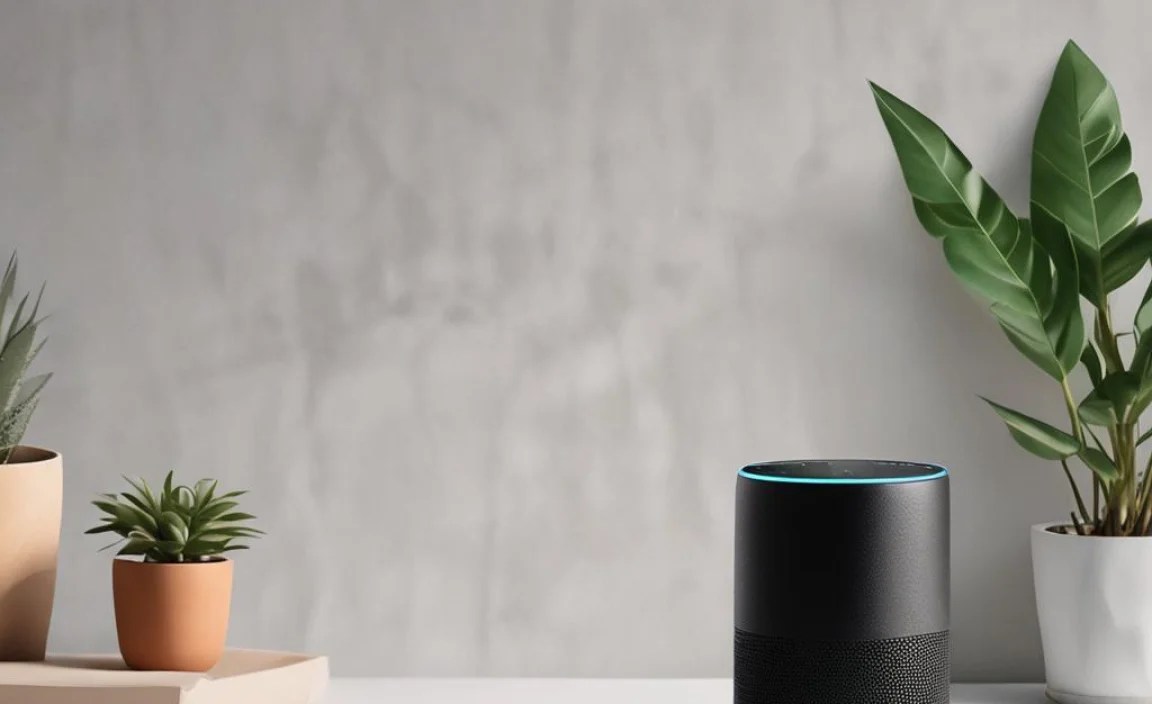
When you’re looking for a smart speaker with Alexa, you’ll find a range of options from different manufacturers. While Amazon’s own Echo devices are the most common, many other brands integrate Alexa into their products. Here’s a look at some of the popular choices:
| Brand | Example Products | Key Features with Alexa |
|---|---|---|
| Amazon Echo | Echo Dot, Echo, Echo Show (smart display) | Built-in Alexa, wide range of models, smart home hub capabilities, Amazon ecosystem integration. |
| Sonos | Sonos One, Beam (soundbar), Arc (soundbar) | Premium audio quality, multi-room audio, Alexa voice control, works with other Sonos speakers. |
| Harman Kardon | Citation Series, Aura Studio | High-fidelity sound, elegant design, Alexa integration for voice control and smart home management. |
| JBL | Link Series | Portable and home speakers, robust sound, Google Assistant and Alexa options available depending on the model. |
| Logitech | Logitech Circle View Doorbell (indirect integration) | While not a speaker, many smart home devices from various brands, like doorbells and cameras, offer Alexa compatibility for notifications and control. |
When choosing, consider your priorities. If top-tier audio is paramount, brands like Sonos might be a better fit. If you’re deep in the Amazon ecosystem or want the most integrated Alexa experience, an Amazon Echo device is the way to go. Always check the product specifications to confirm Alexa connectivity and the specific features supported.
Setting up Your Smart Speaker with Alexa
Getting started with your smart speaker is usually quite straightforward. Here’s a general guide to setting one up:
- Unbox and Plug In: Take your smart speaker out of the box and plug it into a power outlet.
- Download the Alexa App: On your smartphone or tablet, download the Amazon Alexa app from your device’s app store (Apple App Store or Google Play Store).
- Open the App and Sign In: Open the Alexa app and sign in with your Amazon account. If you don’t have one, you’ll need to create one.
- Set Up Your Device: In the app, tap “Devices,” then the “+” icon, and select “Add Device.” Follow the on-screen prompts to detect your new speaker. The app will guide you through connecting it to your Wi-Fi network.
- Grant Permissions: You’ll likely be asked to grant permissions for the app to access your contacts, location, and other features, which is necessary for full functionality.
- Personalize: Once connected, you can start personalizing settings, linking music services, and configuring your smart home devices.
- Start Talking! Try a few basic commands like “Alexa, what time is it?” or “Alexa, play some music.”
It’s a simple process that opens up a world of voice-controlled possibilities. For more detailed instructions specific to your model, always refer to the manufacturer’s manual.
Frequently Asked Questions About Smart Speakers with Alexa
What is the primary function of a smart speaker with Alexa?
Its primary function is to act as a voice-controlled virtual assistant, capable of playing music, answering questions, setting reminders, and controlling smart home devices through spoken commands.
Do I need a special internet connection to use Alexa?
Yes, a stable Wi-Fi internet connection is essential. Alexa relies on an internet connection to process your voice commands, access information from the cloud, and control connected devices.
Can Alexa play music from any service?
Alexa can play music from many popular services like Amazon Music, Spotify, Apple Music, Pandora, and iHeartRadio. You’ll need to link your preferred music service accounts in the Alexa app.
Is Alexa always listening?
Alexa devices are always listening for the wake word (“Alexa”). Once the wake word is detected, the device starts recording and sending your command to the cloud for processing. When the light ring turns blue, it indicates Alexa is listening, processing, or responding. You can also physically mute the microphone for privacy.
Can I use multiple smart speakers with Alexa in my home?
Absolutely! You can set up multiple Alexa-enabled devices in different rooms. You can control them individually or group them for multi-room music playback and use features like “Drop In” for intercom-like communication.
What are “Alexa Skills,” and why are they important?
Alexa Skills are like apps for your smart speaker. They are third-party add-ons that expand Alexa’s capabilities, allowing it to perform tasks beyond its default functions, such as playing games, ordering food, or accessing specialized information.
Are my conversations with Alexa private?
Amazon states that conversations are processed in the cloud to fulfill requests. You can review and delete your voice recordings through the Alexa app for privacy. For additional peace of mind, you can physically press the microphone mute button on the device.
Conclusion
A smart speaker with Alexa connectivity is far more than just a gadget; it’s a gateway to a more convenient, entertaining, and efficient home. From managing your daily tasks with intuitive voice commands and transforming your living space into an automated haven, to providing instant access to entertainment and information, the genius features are undeniable. Whether you’re a music aficionado, a busy parent juggling chores, or simply looking to add a touch of modern convenience to your life, Alexa-powered smart speakers offer incredible value. By understanding the features we’ve explored – from seamless smart home control and expansive Skill libraries to helpful routines and multi-room audio – you can make an informed choice.