
Setting up multiroom speakers is easier than you think! This guide breaks down the “multiroom speaker setup installation” process into simple steps, helping you fill your home with music effortlessly. We’ll cover everything from choosing the right system to enjoying seamless audio throughout your house.
Ever dream of filling your entire home with your favorite tunes, or perhaps setting different moods in various rooms? A multiroom speaker setup can make that a reality, but the thought of installation can seem a bit daunting. Where do you even start? What kind of speakers do you need? How do you get them all to talk to each other? Many of us feel this way, staring at boxes of new tech, wondering if we’ve bitten off more than we can chew. Don’t worry! This guide is designed to demystify the process. We’ll walk you through everything you need to know, step-by-step, so you can enjoy a whole-home audio experience without the headache. Get ready to transform your living space with the power of sound!
Why Go Multiroom? The Symphony of Your Home

Imagine waking up to gentle music in your bedroom, the aroma of coffee brewing accompanied by a lively playlist in the kitchen, and then the same song following you as you move to the living room to relax. That’s the magic of a multiroom speaker system. It’s not just about having speakers everywhere; it’s about creating an integrated audio experience that enhances your daily life.
Beyond the sheer convenience and immersive sound, multiroom systems offer:
- Seamless Transitions: Move from room to room without missing a beat. Your music follows you.
- Independent Control: Play different music in different zones, or have one party playlist fill the entire house.
- Enhanced Entertainment: Perfect for parties, movie nights, or simply creating a relaxing ambiance.
- Smart Home Integration: Many systems work with voice assistants like Alexa or Google Assistant, allowing voice control over your music.
Choosing Your Multiroom Audio Path: Wired vs. Wireless
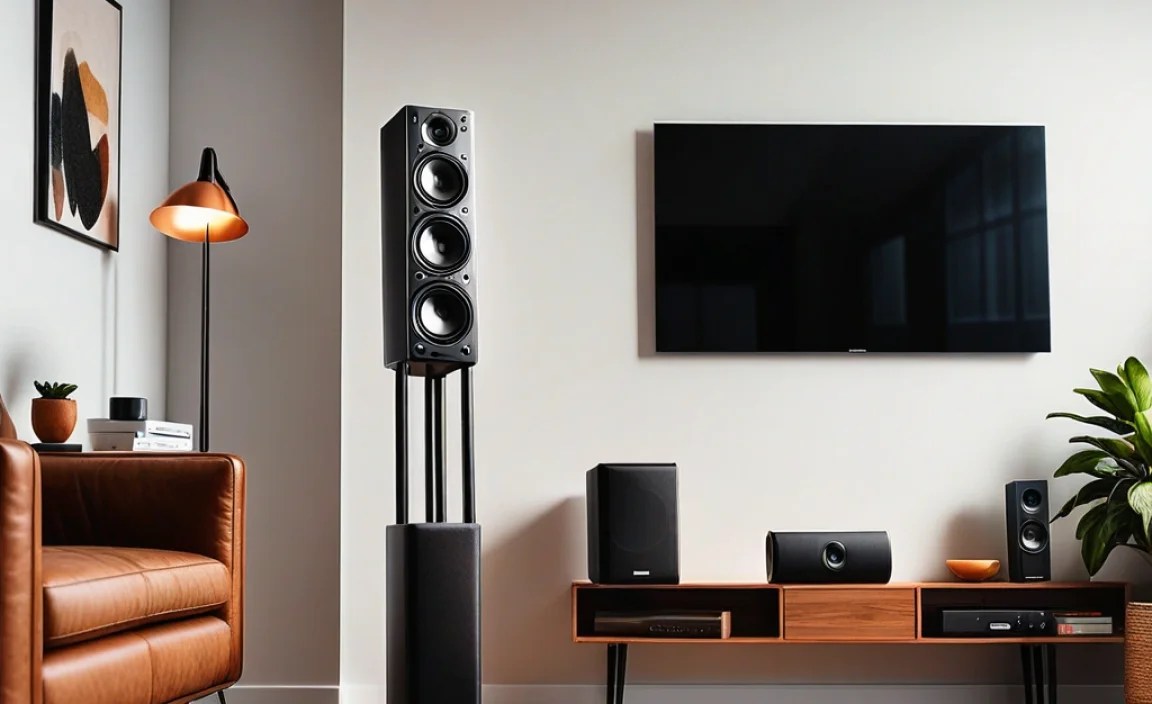
Before you start installing, you need to decide on the type of system that best suits your home and your DIY comfort level. The two main paths are wired and wireless multiroom audio.
Wired Multiroom Systems
These systems typically involve running speaker wire through your walls, ceilings, or floors from a central amplifier or receiver to each speaker. This is often the choice for custom installations or for those who demand the absolute best audio quality without any wireless interference concerns.
Pros of Wired Systems:
- Superior Audio Quality: Generally offers the most robust and consistent sound quality.
- Reliability: Less susceptible to Wi-Fi dropouts or interference.
- Aesthetics: When installed cleanly, wires are hidden, offering a very sleek look.
Cons of Wired Systems:
- Complex Installation: Requires significant work, potentially involving drilling holes and running wires through walls. This might necessitate professional help.
- Less Flexible: Once installed, it’s harder to move or reconfigure speakers.
- Higher Upfront Cost: Can be more expensive due to the need for a central multi-zone amplifier and extensive wiring.
Wireless Multiroom Systems
These are the most popular choice for home users today. They rely on your home’s Wi-Fi network to connect speakers, allowing for much simpler installation and greater flexibility. Brands like Sonos, Bose, and Google offer popular wireless solutions.
Pros of Wireless Systems:
- Easy Installation: Plug them in, connect to Wi-Fi via an app, and you’re usually good to go.
- Flexibility: Easily move speakers around your home as needed.
- Scalability: Start with a couple of speakers and add more over time.
- Cost-Effective: Often more affordable, especially for smaller setups.
Cons of Wireless Systems:
- Dependence on Wi-Fi: Performance relies heavily on the strength and stability of your home network.
- Potential for Interference: Other wireless devices can sometimes cause minor interruptions.
- Audio Quality Varies: While excellent for most users, audiophiles might notice subtle differences compared to high-end wired systems.
Getting Started Your Multiroom Speaker Setup Installation
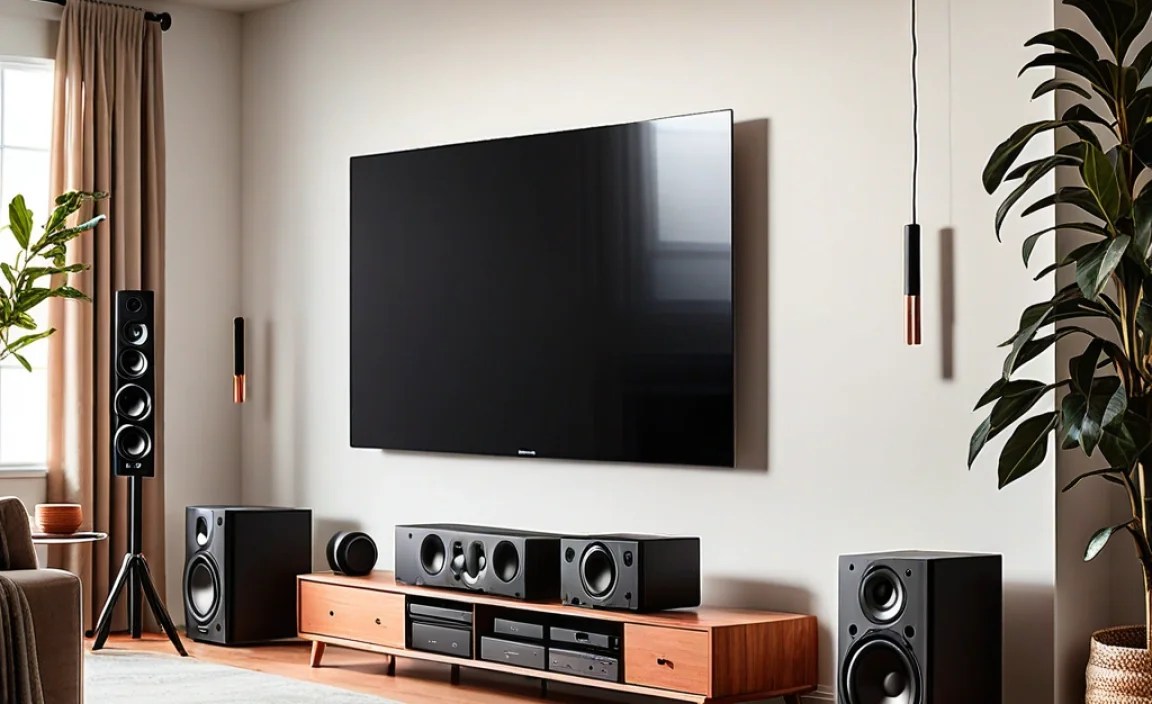
For the majority of beginners, a wireless multiroom system is the way to go. The installation is incredibly straightforward. Let’s break down the essential steps:
Step 1: Plan Your Zones and Speaker Placement
Think about where you want music. Common zones include:
- Living Room
- Kitchen
- Bedroom
- Home Office
- Patio/Deck
Consider the primary function of each room. Do you need background music in the kitchen, immersive sound for movies in the living room, or a calm ambiance for the bedroom?
Speaker Placement Tips:
- Avoid Corners: Placing speakers directly in corners can sometimes overemphasize bass.
- Consistent Height: Try to place speakers at a similar height in each room for a more uniform sound experience.
- Acoustics Matter: Be mindful of hard surfaces (like bare walls or glass) that can cause sound reflections. Furniture and rugs can help absorb sound.
- Power Access: Ensure each speaker location has a readily available power outlet. For wireless systems, a stable Wi-Fi signal is also crucial at each location.
Step 2: Choose Your System Components
Most wireless multiroom systems are built around a central hub or rely on a robust app for control.
You’ll typically need:
- Multiroom Speakers: These are the core components. They can be standalone units or part of a larger ecosystem.
- A Mobile Device: A smartphone or tablet is essential for setup and control.
- Your Home Wi-Fi Network: A stable internet connection is a must.
Consider the brands and their ecosystems. Some popular choices include:
| System Brand | Key Features | Ideal For |
|---|---|---|
| Sonos | User-friendly app, wide range of products (soundbars, portable speakers, architectural speakers), excellent grouping features, supports many music services. | Beginners, those wanting a complete audio solution for the whole house, Apple users. |
| Bose | Renowned sound quality, sleek designs, good bass response, integrates with other Bose smart products. | Music lovers prioritizing sound fidelity and elegant design. |
| Google Chromecast Audio / Google Home | Extremely budget-friendly, integrates deeply with Google Assistant and other Google services, easy to cast audio. | Google ecosystem users, budget-conscious individuals, straightforward audio streaming. |
| Amazon Echo / Alexa Multi-Room Music | Seamless integration with Alexa voice commands, easy setup with existing Echo devices. | Existing Alexa users, voice control enthusiasts. |
| Apple HomePod / AirPlay 2 | High-fidelity sound (HomePod), seamless integration with Apple devices, easy multiroom control via iOS devices. | Apple ecosystem users, those seeking premium sound from wireless speakers. |
Tip: Ensure your Wi-Fi network is robust enough to handle multiple streaming devices. If you have a very large home or thick walls, you might need a mesh Wi-Fi system. You can learn more about network requirements from resources like the Federal Communications Commission (FCC) guide on home networks.
Step 3: Install and Connect Your Speakers
This is where the magic happens, and for wireless systems, it’s remarkably simple.
- Unbox and Power Up: Carefully unbox each speaker. Plug it into a power outlet. Most wireless speakers will have an indicator light showing they are ready for setup.
- Download the App: On your smartphone or tablet, download the manufacturer’s control app (e.g., Sonos app, Bose Music app, Google Home app, Amazon Alexa app).
- Follow App Instructions:
- Open the app.
- The app will typically detect new speakers nearby.
- You’ll be prompted to connect the speaker to your home Wi-Fi network. You’ll need your Wi-Fi password.
- The app will guide you through naming each speaker (e.g., “Living Room Speaker,” “Kitchen Speaker”) for easy identification.
- If your system requires it, you might need to set up a bridge or hub. Follow the app’s guidance precisely.
- Repeat for Each Speaker: Go through the same process for every speaker you plan to install in different rooms.
This process usually takes just a few minutes per speaker if your Wi-Fi is strong and stable.
Step 4: Group Your Speakers and Play
Once all your speakers are set up and connected to your Wi-Fi network, it’s time to group them.
Using the App:
- Open your system’s control app.
- You should see all your connected speakers listed.
- There will be an option to “Group Speakers” or create “Rooms.”
- Select the speakers you want to play the same audio on. For whole-home audio, you’ll group all of them.
- You can usually save these groups for quick access later.
Playing Music:
- Within the app, select your music source (e.g., Spotify, Apple Music, Pandora, your own digital library).
- Choose a song or playlist.
- Select your desired speaker group to play the music on.
- If you want different music in different rooms, you can create separate groups or play individually. For example, you might group the kitchen and dining room speakers together, while the living room plays something else independently.
Voice Control (if applicable):
If your system supports voice assistants (like Alexa or Google Assistant), you can often control your multiroom audio hands-free. For example, you might say:
- “Hey Google, play my ‘Morning Mix’ on all speakers.”
- “Alexa, set the volume in the kitchen to 5.”
- “Hey Google, play jazz in the living room.”
Step 5: Fine-Tuning and Troubleshooting
Most of the time, your system will work perfectly right out of the box. However, here are a few common issues and how to fix them:
Common Issues and Solutions:
| Problem | Possible Solutions |
|---|---|
| Speaker not connecting to Wi-Fi |
|
| Audio skipping or dropping |
|
| App not finding speakers |
|
| Grouped speakers not syncing |
|
| One speaker sounds different (louder, bassier) |
|
If you’re still struggling, consult the manufacturer’s support website. They often have detailed troubleshooting guides and customer service resources. For advanced network troubleshooting, materials from organizations like the International Telecommunication Union (ITU) can offer insights into network performance.
Advanced Setup Options (Optional for Beginners, But Good to Know)

While wireless is king for simplicity, you might encounter or consider other configurations:
Wired Integration with Wireless Control
Some systems allow you to use existing wired speaker setups but control them via a wireless app. This often involves a central hub that connects to your amplifier and then links to your home network for app control.
Soundbars and Subwoofers
Many wireless multiroom systems offer soundbars and wireless subwoofers that can integrate into the multiroom network. This is great for improving your main entertainment system’s audio and making it part of your whole-home music experience.
Outdoor Speakers
Weather-resistant wireless speakers designed for patios or gardens can be added to your system to extend music outdoors, provided they have a strong Wi-Fi signal. Some systems also offer dedicated outdoor wired options.
Bluetooth vs. Wi-Fi Streaming
While Bluetooth speakers are common, they are generally not suited for multiroom setups. Bluetooth is point-to-point and has a limited range. Multiroom systems use Wi-Fi because it allows for simultaneous streaming to multiple devices over a wider area and usually offers better audio quality.
Frequently Asked Questions (FAQ)
Q1: How many speakers can I have in a multiroom system?
A1: Most modern wireless multiroom systems can handle anywhere from 5 to 32 speakers, depending on the brand. It’s usually more than enough for a typical home.
Q2: Do I need a special Wi-Fi router?
A2: Not necessarily. A standard home Wi-Fi router is usually sufficient, especially for smaller setups. However, for larger homes or if you experience buffering, a mesh Wi-Fi system can significantly improve coverage and stability.
Q3: Can I mix speakers from different brands?
A3: Generally, no. Most multiroom systems are proprietary. You need to stick with one brand’s ecosystem (e.g., all Sonos, all Google) for them to communicate and group together correctly.
Q4: Is professional installation necessary?
A4: For wireless multiroom speaker setup installation, professional installation is almost never needed! It’s designed to be DIY-friendly. Wired custom installations, however, often benefit from professional expertise.
Q5: What internet speed do I need for multiroom audio?
A5: For streaming music, most services recommend at least 1-2 Mbps per stream. For a seamless multiroom experience with multiple people streaming different things, it’s wise to have a robust connection, ideally 25 Mbps or higher, to ensure smooth playback across all devices.
Q6: Can I play music from my phone’s stored files?
A6: Many systems allow this. You can often stream music directly from your local library or NAS (Network Attached Storage) device if it’s on your home network. Check your system’s app and music service compatibility.
Conclusion: Your Home, Your Soundtrack
Setting up a multiroom speaker system is an incredibly rewarding project that has become much more accessible thanks to advancements in wireless technology. By following these steps—planning your layout, choosing the right system, and carefully connecting each speaker through the intuitive app—you’ll be well on your way to enjoying a synchronized audio experience throughout your entire home. Don’t shy away from the process; it’s designed for ease and can truly transform how you interact with your favorite music, podcasts, and entertainment. With your new multiroom setup, every room becomes its own unique listening space, or you can unite them all under one harmonious soundtrack. Happy listening!