
Effortlessly power your multiroom speakers with smart charging tips. Discover organized cable management, strategic placement of chargers, and wireless solutions to keep your music flowing without tangled cords or dead batteries. This guide makes multiroom audio charging simple and seamless for everyone.
Setting up a multiroom speaker system can be a game-changer for your home audio experience. Imagine music flowing seamlessly from room to room, filling your space with sound. But then, reality hits: a mess of charging cables, battery anxiety, and strategically placed power strips that frankly, aren’t very strategic. It’s a common frustration that can detract from the joy of connected audio. Don’t worry, though! With a few clever tricks, you can banish the cable chaos and ensure your speakers are always ready to play. We’ll walk you through simple, yet genius ways to manage the charging needs of your multiroom speaker setup, so you can focus on enjoying your tunes.
Unlocking the Power: Why Smart Charging Matters for Multiroom Speakers

Multiroom speaker systems, whether they’re portable Bluetooth speakers dotted around your house or more integrated smart speaker arrays, all share one common need: power. For portable options, running out of battery mid-song is a buzzkill. For smart speakers that are often plugged in, the sheer number of power adapters and cables can quickly turn your entertainment center or behind-the-scenes tech areas into a spaghetti junction. This isn’t just unsightly; it can also be inconvenient and, in some cases, a potential safety hazard. Smart charging tips aim to solve these problems by making the power delivery process organized, efficient, and almost invisible.
The goal is to create a setup where charging is an afterthought. You shouldn’t have to hunt for a free outlet or untangle a knot of wires just to keep your music going. By thinking ahead and implementing a few simple strategies, you can ensure your entire multiroom audio experience remains smooth and uninterrupted. Let’s dive into the practical, beginner-friendly ways to achieve this.
Essential Multiroom Speaker Charging Strategies
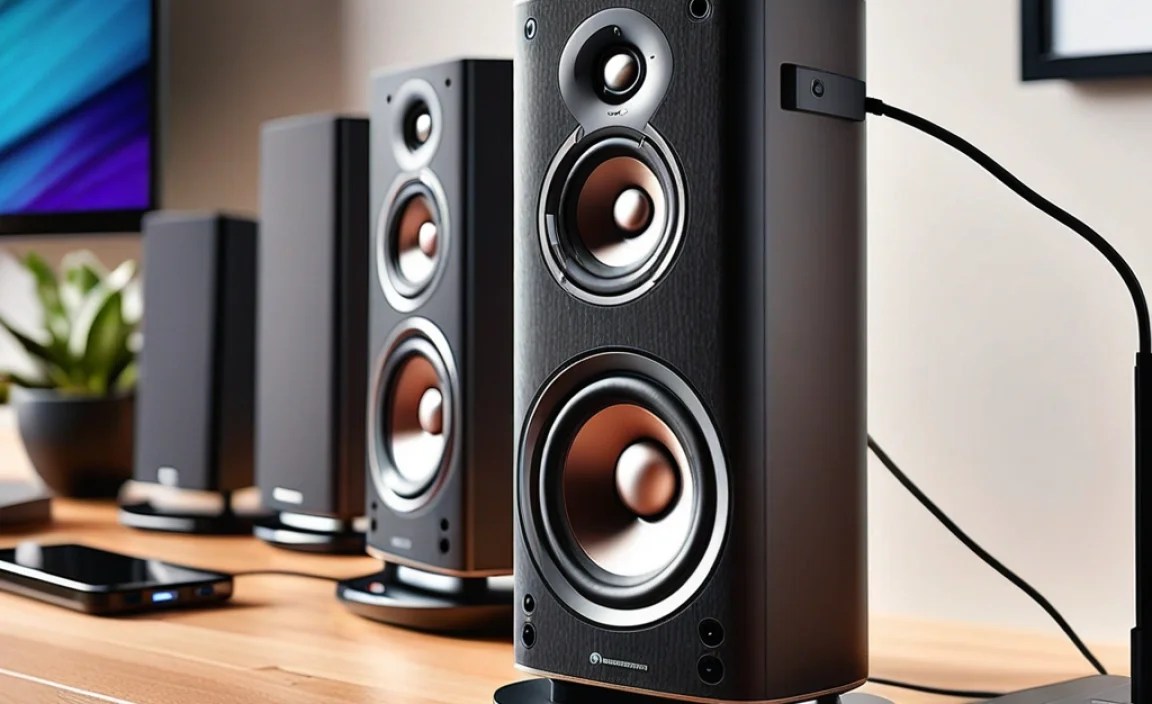
Getting your multiroom speakers powered up without the hassle is all about smart planning and the right accessories. These strategies are designed to be easy to implement, even if you’re new to home audio tech.
1. The Power Strip Powerhouse: Beyond Just Plugging In
A good power strip is the foundation of any multiroom setup, but simply plugging everything in isn’t a strategy. We need to optimize it.
- Surge Protection is Key: Always use a surge-protected power strip. This safeguards your valuable electronics from power spikes. Look for ones with plenty of outlets, as you’ll likely have more devices than you initially think. Reputable brands often detail their protection levels, which can be helpful.
- Smart Power Strips: Consider a smart power strip. These allow you to control individual outlets via an app or voice commands. You can schedule charging times, turn off outlets when devices aren’t in use, or even monitor energy consumption. This is perfect for ensuring speakers are charged when you need them and saving energy otherwise.
- Outlet Spacing: Choose a power strip with widely spaced outlets. This is crucial for accommodating those chunky power adapters that often block adjacent sockets on basic strips.
- Mounting Options: Some power strips come with mounting brackets, allowing you to attach them under desks, behind furniture, or on walls. This is a fantastic way to get them out of sight and reduce visual clutter.
2. Cable Management: Taming the Tangles
This is arguably the most important step for a clean setup. Tangled cables are ugly and can make moving or accessing your speakers a nightmare.
- Velcro Cable Ties: These are your best friends. They’re reusable, adjustable, and gentle on cables. Bundle individual speaker cables neatly with them.
- Cable Sleeves & Wraps: For runs of multiple cables going from a power source to a speaker or a central hub, cable sleeves or wraps create a single, tidy conduit. They come in various lengths and colors to match your decor.
- Adhesive Cable Clips: These small clips stick to smooth surfaces (like the back of a TV stand, desk, or wall) and hold individual cables in place, guiding them discreetly along edges and corners.
- Cable Raceways/Conduit: For longer runs or cables that need to be routed along baseboards or walls, raceways offer a more permanent and professional-looking solution. They are typically adhesive-backed or screw-mounted plastic channels that hide cables completely. For a clean wall installation, ensure proper stud placement using a stud finder like this guide from Home Depot on how to use one.
- Labeling: While it sounds simple, labeling your power adapters and cables (especially if you have multiple devices from different brands) can save you a lot of guesswork down the line.
3. Strategic Placement for Easy Access
Where you place your speakers and their power sources makes a big difference.
- Identify “Home Bases”: For speakers that will spend most of their time plugged in, designate a “home base” with easy access to an outlet. This could be a shelf, a side table, or a corner of a room.
- Near Existing Outlets: Whenever possible, place speakers and their charging stations near existing electrical outlets rather than running long extension cords across high-traffic areas.
- Utilize Furniture: The back of entertainment units, behind couches, or inside cabinets with existing cutouts can be perfect spots to stash power strips and neatly bundled cables. Make sure there’s enough ventilation.
- Consider Speaker Stands: Some speaker stands have built-in cable management channels, neatly guiding wires from the speaker down to the floor and out of sight.
4. Wireless Charging: The Ultimate Convenience
If your multiroom speakers are portable and support wireless charging, this is a game-changer for ease of use.
- Dedicated Wireless Charging Pads: Place charging pads in key areas where you typically use and store your portable speakers. Just set the speaker down, and it starts charging.
- Multi-Device Wireless Chargers: Some pads can charge multiple devices simultaneously. If you have several portable speakers, one of these can be a neat solution.
- Check Compatibility: Ensure your speakers explicitly support the Qi wireless charging standard or any proprietary wireless charging technology the pad uses.
5. Battery Management: Keeping Them Alive
For portable speakers, keeping the batteries healthy is as important as keeping them charged.
- Avoid Full Discharge: Modern lithium-ion batteries (common in most portable speakers) don’t suffer from the “memory effect” like older battery types. It’s generally better for battery health to charge them before they completely die.
- Don’t Overcharge (Usually): Most speakers have built-in circuitry to stop charging when full. However, leaving a battery constantly at 100% for very long periods (weeks or months) can degrade it faster. If you store a speaker for an extended time, aim for around 50-60% charge.
- Temperature Matters: Extreme heat or cold can damage batteries. Avoid leaving your speakers in a hot car or in direct sunlight for prolonged periods, especially while charging.
Choosing the Right Charging Accessories
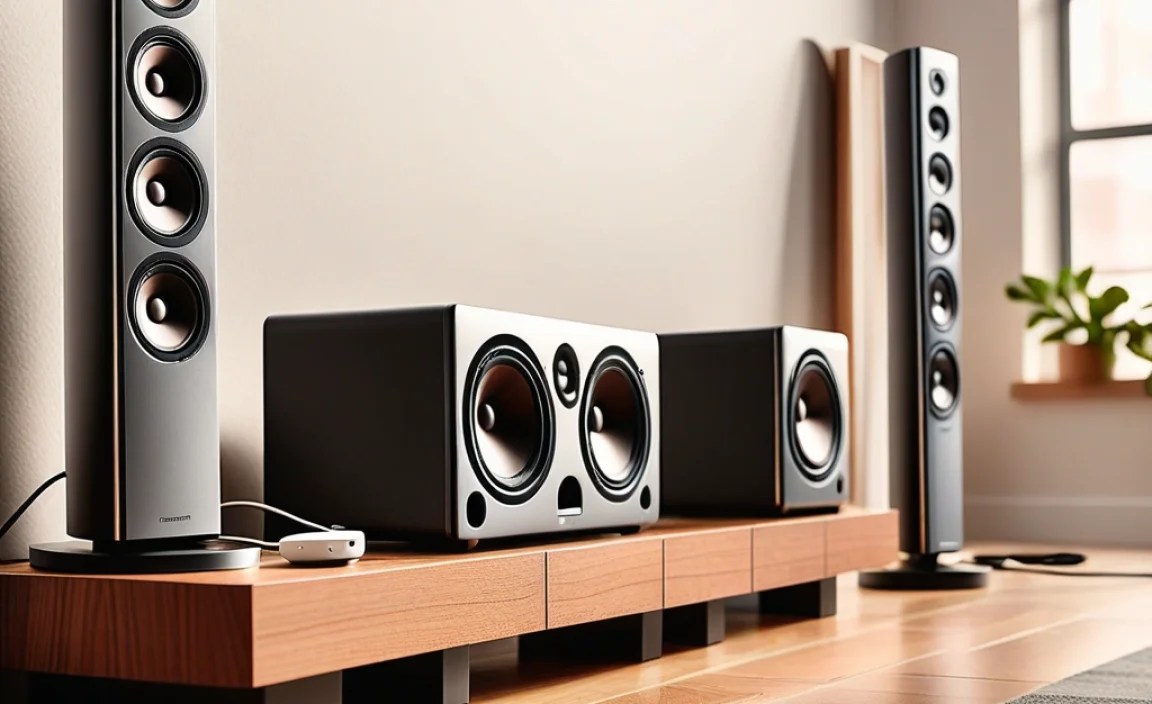
Selecting the right accessories can make or break your charging setup. Here’s a look at what to consider.
Power Adapters and Hubs
Often, your speakers will come with their own proprietary power adapters. However, if you’re dealing with multiple USB-powered speakers or want a more consolidated solution, consider these:
| Accessory Type | What it Does | Best For | Pros | Cons |
|---|---|---|---|---|
| Multi-Port USB Wall Charger | An adapter with multiple USB ports, allowing you to charge several devices from a single wall outlet. Look for one with sufficient amperage (power output) for your speakers. | Speakers charged via USB, or portable devices. | Consolidates multiple chargers into one. Saves wall outlets. Can charge multiple devices simultaneously. | Requires compatible USB cables for each device. Ensure sufficient power output. Can get warm. |
| Smart Power Strip | A power strip with individual outlet control via an app or voice assistant. | Any speaker that uses a standard power plug, especially for scheduling and remote control. | Energy saving through scheduling. Remote control of power. Device management. | Slightly higher cost than standard strips. Requires Wi-Fi connection for smart features. |
| Wireless Charging Pad (Qi Compatible) | A flat surface that wirelessly charges Qi-enabled devices placed on it. | Portable speakers that support Qi charging. | Eliminates cable clutter for compatible devices. Very convenient for on-the-go charging. | Only works with compatible devices. Charging speed may be slower than wired. Requires placement where speakers are frequently used. |
Cable Management Tools
These are the unsung heroes of a tidy tech setup:
- Velcro Straps/Ties: Inexpensive, reusable, and versatile for bundling cables.
- Cable Sleeves: Great for consolidating multiple cables into one neat tube. Available in fabric or plastic.
- Adhesive Cable Clips: Small, stick-on clips to guide and secure cables along surfaces. Perfect for keeping cables tidy behind furniture.
- Cable Raceways: Paintable plastic channels that attach to walls or baseboards, hiding cables for a clean, built-in look.
- Mounting Strips/D-rings: Can be used to attach power strips or cable management boxes to walls or the underside of desks for discrete placement.
Step-by-Step: Setting Up Your Multiroom Speaker Charging Hub
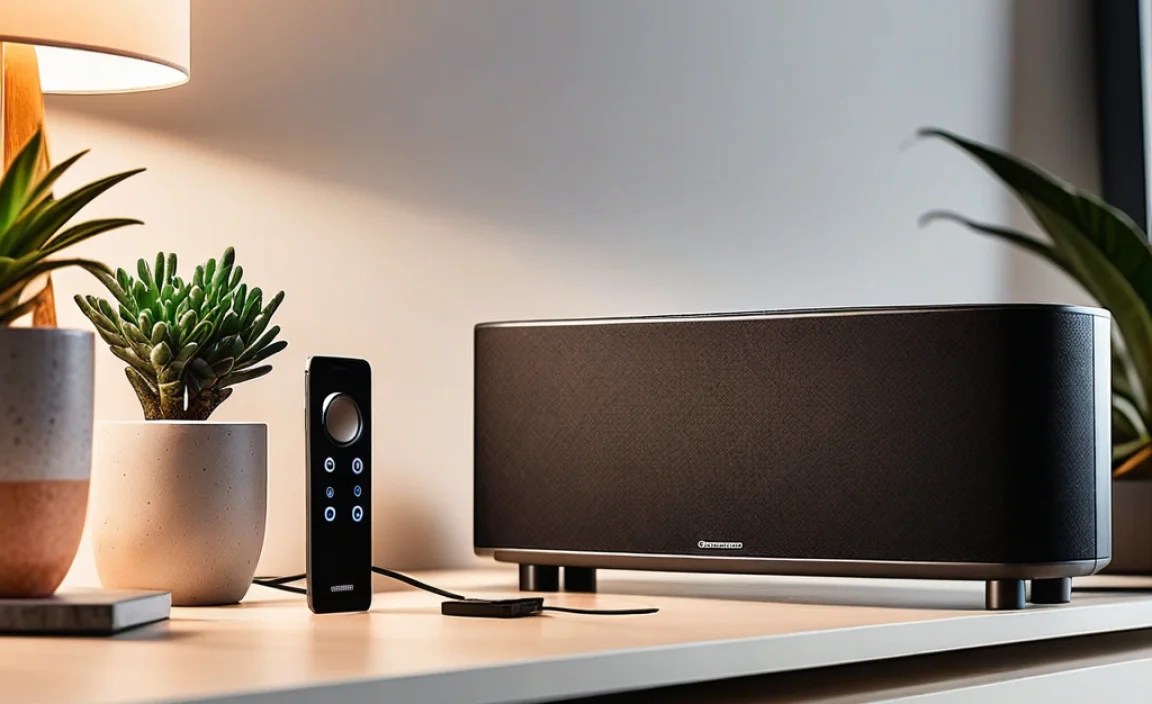
Ready to create a charging haven for your speakers? Follow these simple steps.
Step 1: Assess Your Speakers and Power Needs
Take stock of all your multiroom speakers. Note how each one powers up:
- Does it use a standard AC power plug?
- Does it charge via a USB-A, USB-C, or other specific port?
- Is it a portable speaker with a rechargeable battery that needs charging?
- Does it support wireless charging?
This assessment will help you determine the types and number of accessories you’ll need.
Step 2: Choose Your Central Charging Location(s)
Decide where your main power hubs will be. This is often near your router, entertainment center, or a main electrical outlet you don’t use for anything else critical.
- Behind Furniture: A great place to hide power strips and bulky adapters. Ensure airflow.
- Inside Cabinets: If you have a cabinet with ventilation, it’s an excellent spot for a charging station.
- Wall-Mounted: Consider mounting a power strip or a specialized charging station to the wall, especially if you have a dedicated home office or media room.
Step 3: Set Up Your Power Strip(s)
Install your surge-protected or smart power strip at your chosen location. If mounting, use appropriate screws or heavy-duty adhesive strips. Local electrical safety guidelines should always be considered; consult a professional if unsure about mounting or electrical work. Plug in only what you need currently to avoid overloading it.
Step 4: Connect Speaker Power Adapters
Plug each speaker’s power adapter into the power strip. If using a multi-port USB charger, connect the appropriate USB cables to the charger.
Step 5: Tidy Up Cables
This is where the magic happens!
- Bundle speaker power cords and any interconnecting cables using Velcro ties.
- Use cable sleeves to group cables running in the same direction.
- Employ adhesive clips to guide and secure cables along the back of furniture or walls.
- For longer runs along baseboards or walls, install cable raceways for a clean, professional look.
Step 6: Position Portable Speakers for Charging
If you have portable speakers:
- Place wireless charging pads in convenient spots (e.g., bedside table, kitchen counter, desk).
- Ensure the charging docks or stands are easily accessible.
- Remember to charge them periodically based on your usage to maintain battery health.
Step 7: Test Your Setup
Turn on each speaker to confirm it’s receiving power and functioning correctly. Test any smart features if you’re using a smart power strip.
Troubleshooting Common Charging Issues
Even with the best setup, you might run into a snag. Here are solutions to common problems:
- Speaker Not Charging:
- Check all connections: Is the power adapter fully plugged into both the speaker and the power strip?
- Try a different outlet on the power strip.
- Test the power adapter and cable with another compatible device if possible.
- Ensure the power strip itself is switched on and functional.
- Intermittent Charging:
- Loose cable connections are the usual culprit. Ensure cables are firmly seated.
- Check for frayed or damaged cables – replace if necessary.
- Overheating can sometimes cause charging to pause. Ensure good ventilation around adapters and speakers.
- Multiple Chargers, One Outlet:
- If you absolutely must use multiple chargers in one area, consider a high-capacity multi-port USB charger or a power strip with ample, well-spaced outlets. However, avoid plugging too many power-hungry devices into a single circuit.
- Wireless Charger Not Working:
- Ensure your speaker is Qi-compatible or compatible with the specific wireless charger.
- Align the speaker correctly on the charging pad. Many have specific sweet spots.
- Remove any thick cases from the speaker, as they can interfere with charging.
- Ensure the wireless charging pad is plugged in and functioning.
Frequently Asked Questions (FAQ)
Q1: How many speakers can I plug into one power strip?
A1: The number of speakers depends on the power strip’s capacity and the power draw of each speaker and its adapter. Most standard power strips can handle 4-6 low-power devices. Always check the maximum wattage rating of your power strip and avoid overloading it. Overloading can overheat the strip and pose a fire risk.
Q2: Should I keep my multiroom speakers plugged in all the time?
A2: For speakers that are permanently installed (not portable), it’s perfectly fine and usually recommended to keep them plugged in. Modern devices have circuitry to prevent overcharging. For portable speakers, it’s generally best to charge them when the battery is low and unplug them when full, or to keep them at a partial charge (50-60%) if stored long-term.
Q3: What’s the best way to hide speaker wires?
A3: The best methods include using cable raceways that attach to walls or baseboards, adhesive cable clips to guide wires behind furniture, cable sleeves to bundle multiple wires, or in-wall cable management kits for a very clean look (which may require professional installation).
Q4: Do I need a surge protector for my speakers?
A4: Yes, absolutely. Speakers and their associated electronics are sensitive to power surges, which can occur due to lightning strikes or utility grid fluctuations. A surge protector safeguards your investment.
Q5: My portable speaker won’t charge. What should I do?
A5: First, try a different charging cable and power adapter if possible. Ensure the charging port on the speaker is clean. If it’s a wireless charger, confirm compatibility and alignment. If using a USB port, try a different USB port on your charger or computer. If none of these work, the battery or charging port might be faulty, and you may need to contact the manufacturer.
Q6: Can I use extension cords for my speakers?
A6: It’s best to avoid long extension cords, especially in high-traffic areas, as they can be a tripping hazard and unsightly. If you must use one, opt for a heavy-duty cord rated for the power draw of your devices and ensure it’s placed safely away from foot traffic, ideally secured along a wall.
The Final Chord: Enjoy Your Seamless Audio Experience
Setting up a multiroom speaker system is an exciting step towards a more immersive home audio environment. While the thought of managing power for multiple devices can seem daunting, it doesn’t have to be. By implementing these smart charging tips, focusing on organized cable management, strategic placement, and choosing the right accessories, you can ensure your speakers are always ready to fill your home with music.