
Quick Summary: Elevate your podcast sound with essential microphone accessories. Essential gear like pop filters, shock mounts, and mic stands reduce unwanted noise, improve audio quality, and provide a professional broadcast experience for beginners and seasoned podcasters alike.
So, you’ve got your microphone, ready to share your voice with the world. That’s fantastic! But are you getting the clearest, most professional sound possible? Often, the difference between a good podcast and a great one isn’t just the microphone itself, but the smart accessories you pair it with. Many beginners get stuck thinking the mic is the only piece of the puzzle. The truth is, without a few key helpers, you might be battling background noise, plosives (those annoying “p” and “b” sounds), and feedback. Don’t worry, it’s not complicated! We’re going to break down the must-have microphone accessories that will make your podcast sound like it’s coming straight from a professional studio, even if you’re podcasting from your kitchen table. Get ready to boost your audio game!
Unlocking Pro Sound: Why Microphone Accessories Matter for Podcasting

When you’re starting a podcast, the microphone is king. But think of it like building a house: a strong foundation is crucial, but you also need sturdy walls, a good roof, and all the right fixtures to make it a comfortable and functional home. Microphone accessories are those essential building blocks for audio. They don’t just make your setup look cooler; they actively improve the quality of your recordings. Without them, you’re leaving a lot of potential sound quality on the table. Common issues like breath noise, room echo, and vibrations can sneak into your recordings and detract from your message. These accessories are designed to combat those very problems, ensuring your listeners hear every word clearly and enjoyably. Investing in a few key items can make a massive difference, turning a hobby into something that sounds seriously polished.
The Essential Microphone Accessories for Podcasting: Your Starters Kit

Starting a podcast journey means making smart choices with your gear. While your microphone is the heart of your setup, a few carefully selected accessories will dramatically enhance your audio quality and user experience. These aren’t just fancy additions; they are vital tools that help mitigate common recording issues and provide a more professional sound. Let’s dive into the must-have items that every podcaster, from novice to seasoned pro, should consider.
1. The Pop Filter: Taming Those Pesky Plosives
Ever hear a loud “pop” sound when someone says “Peter Piper picked a peck of pickled peppers”? Those are called plosives, caused by bursts of air hitting the microphone diaphragm when you pronounce “p” and “b” sounds. They can be jarring and unprofessional. A pop filter is your first line of defense!
- What it is: Typically a circular screen made of nylon mesh, metal, or foam that attaches to your microphone stand.
- How it works: It sits a few inches in front of your microphone. The nylon mesh diffuses the sudden burst of air, preventing it from directly hitting the mic capsule and causing that unwanted “pop.”
- Why you need it: It’s one of the most cost-effective ways to significantly improve your vocal clarity and reduce the need for extensive audio editing later. Your voice will sound smoother and more professional.
- Types:
- Mesh Pop Filters: The most common type, offering excellent air diffusion.
- Metal Mesh Pop Filters: Slightly more durable, but can sometimes alter the sound subtly.
- Foam Windscreens: Often already attached to some mics, they offer a little protection but are less effective against strong plosives than dedicated pop filters.
2. The Shock Mount: Isolating Your Mic from Vibrations
Imagine your microphone is a delicate instrument. Now imagine someone bumps your desk, or you accidentally tap your stand. That rumble and thud can travel up the stand and into your recording. That’s where a shock mount comes in. It’s like giving your microphone a gentle hug that absorbs vibrations.
- What it is: A cradle or suspension system that holds your microphone. It’s designed to isolate the mic from your stand and desk.
- How it works: It uses elastic bands or a suspension system to suspend the microphone, physically separating it from the vibrations that travel through the mic stand and desk.
- Why you need it: It significantly reduces unwanted low-frequency noise like footsteps, desk bumps, or even the rumble from HVAC systems. This leads to a cleaner, more isolated vocal take. Many condenser microphones often come with a compatible shock mount, but it’s a crucial purchase if yours doesn’t.
- Getting the right one: Ensure the shock mount is designed to fit the diameter of your specific microphone. Most manufacturers provide compatibility charts.
3. The Microphone Stand: Stability and Position Control
This might seem obvious, but the type of microphone stand you use can impact your recording quality and comfort. A flimsy stand can wobble, introduce noise, and make mic placement frustrating. For podcasting, you want something stable and adjustable.
Types of Microphone Stands for Podcasting:
- Tripod Stands: The classic floor stand. Good for general use, but can take up floor space and sometimes pick up vibrations if not placed carefully.
- Desk Stand (Tabletop Mic Stand): Compact and great for smaller spaces. Often has a weighted base to prevent tipping. Some have boom arms for more flexible positioning.
- Broadcast Boom Arm / Suspension Stand: This is the gold standard for many home and professional studios. It clamps to your desk and offers incredible flexibility in positioning your microphone exactly where you want it, keeping it off your desk surface and reducing desk-based vibrations.
Key features to look for:
- Stability: A heavy base or a strong clamp is essential.
- Adjustability: Look for stands with multiple pivot points and easy height/angle adjustment.
- Cable Management: Some stands have clips to keep your microphone cable tidy.
4. The Windscreen (Foam Cover): A First Layer of Defense
While a pop filter is more effective for plosives, a foam windscreen offers a simpler, more integrated solution for reducing lighter plosive sounds and general wind noise. Many microphones come with one attached.
- What it is: A cap-like piece of foam that fits snugly over the microphone capsule.
- How it works: It creates a barrier that diffuses air that hits the microphone, similar to a pop filter but less potent against strong plosives.
- Why you might use it: It’s good for reducing subtle “s” sounds (sibilance), light breath noise, and is especially useful if you’re recording in a slightly breezy environment or if your mic doesn’t have a grill that naturally offers some protection. For aggressive plosives, you’ll likely still want a pop filter.
- Tip: Ensure the foam windscreen doesn’t significantly muffle your microphone’s sound. Different densities of foam are available, so experiment if needed.
5. XLR Cables: The Backbone of Professional Audio
If your microphone uses an XLR connector (the three-pin connector common in professional audio), investing in a good quality XLR cable is crucial. This is how your microphone talks to your audio interface or mixer.
- What it is: The cable that connects your XLR microphone to your audio equipment.
- How it works: XLR cables are balanced, meaning they are designed to reduce electromagnetic interference and noise over longer distances compared to unbalanced cables like those used for guitars.
- Why you need it: A well-shielded, durable XLR cable ensures a clean, noise-free signal transmission. Cheap, unshielded cables can pick up hums and buzzes, which will degrade your audio quality.
- What to look for:
- Shielding: Good quality cables have robust shielding to prevent interference.
- Build Quality: Look for sturdy connectors and a thick, flexible cable jacket.
- Length: Get a cable that’s long enough for your setup without being excessively long, which can sometimes introduce more potential for noise.
External Link: For a deeper understanding of audio cables and connectors, the Sweetwater guide on audio cables offers excellent insights into shielding and connectors.
6. Audio Interface or Mixer: The Control Hub
While not strictly an “accessory” for the microphone itself, an audio interface or mixer is an essential piece of gear that your microphone will plug into. Most USB microphones plug directly into your computer, but if you have an XLR microphone, you’ll need one of these.
- What it is: A device that converts your microphone’s analog audio signal into a digital signal that your computer can understand. It also typically provides microphone preamplifiers to boost the signal and phantom power if you’re using a condenser microphone.
- How it works: Your microphone connects via XLR to the interface/mixer. The interface/mixer connects to your computer, usually via USB.
- Why you need it: It’s the bridge between your microphone and your recording software. A good interface provides clean preamplification, phantom power (for condenser mics), and essential controls for gain (input volume).
- Key Features:
- Number of Inputs: How many microphones can you connect at once?
- Phantom Power (+48V): Essential for most condenser microphones.
- Gain Control: Allows you to adjust the input level accurately.
- Latency: Lower latency means less delay between speaking and hearing yourself or the playback.
External Link: Learn more about how audio interfaces work from the Shure educational resources.
7. Headphones: Monitoring Your Sound
You can’t improve what you can’t hear! Professional, closed-back headphones are vital for monitoring your own voice, listening for background noise, and ensuring your audio levels are just right during recording and editing.
- What they are: Designed to isolate sound, preventing audio from leaking out and disturbing your microphone (which would cause feedback or echo).
- Why you need them:
- Accurate Monitoring: Hear your voice clearly without room acoustics interfering.
- Noise Detection: Easily spot unwanted sounds like air conditioning hums, creaky chairs, or distant traffic.
- Preventing Feedback: Crucial if you’re using speakers while recording.
- What to look for:
- Closed-Back Design: Essential for isolation.
- Comfort: You’ll be wearing them for extended periods.
- Flat Frequency Response: For accurate sound reproduction, not one that boosts bass or treble artificially.
Beyond the Basics: Next-Level Accessories
Once you’ve got the essentials covered, a few more accessories can further refine your podcasting setup and workflow.
1. Acoustic Treatment: Fighting Room Echo
Even with the best microphone and accessories, a bad room can ruin good audio. Reflections from hard surfaces (walls, desks, ceilings) create echo and reverb, making your voice sound distant or boomy. Acoustic treatment helps absorb these reflections.
- What it is: Materials like foam panels, bass traps, or even thick blankets strategically placed in your recording space to absorb sound.
- How it works: It reduces the amount of sound that bounces around your room, leading to a drier, more controlled recording.
- Why consider it: It makes a huge difference in vocal clarity and reduces the need for heavy-handed noise reduction in post-production. Even simple solutions can help!
- Beginner Tips: Start with soft furnishings like rugs, curtains, and upholstered furniture. If you’re serious, consider dedicated acoustic foam panels for your walls or a portable vocal booth/reflector shield.
External Link: The Soundproof Cow blog provides a comprehensive look at sound absorption principles.
2. Shock-Absorbent Mic Stand Base
If you’re using a desktop mic stand, consider one with a shock-absorbing base to further dampen vibrations transmitted from your desk surface. These often have rubber feet or a suspended design to reduce impact noise.
3. Cable Management Solutions
Loose cables aren’t just unsightly; they can be a tripping hazard and can sometimes pick up interference. Velcro ties, cable sleeves, or clip-on organizers can keep your setup neat and tidy.
4. Microphone Carrying Case/Bag
If you ever need to transport your microphone to different recording locations or just store it safely when not in use, a padded case offers excellent protection against dust and damage.
Putting It All Together: Configuration Guide
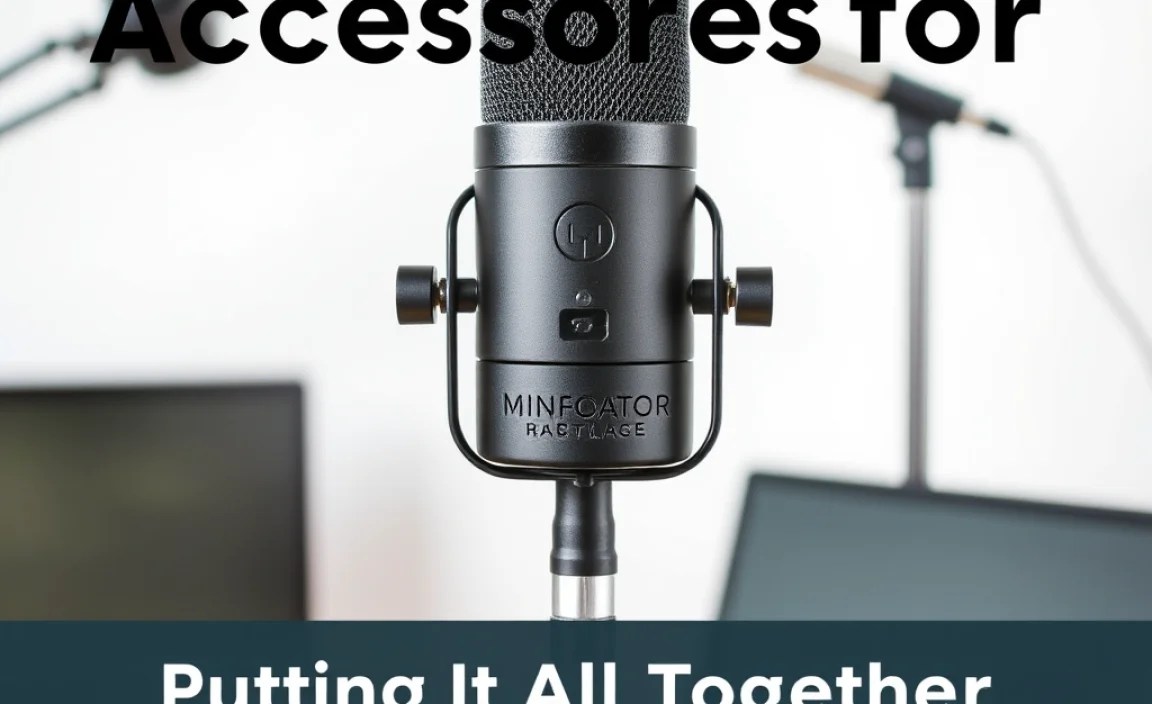
Let’s visualize how these accessories work together. Here’s a typical setup for an XLR microphone:
| Component | Function | Connection |
|---|---|---|
| Microphone | Captures your voice. | (Plugs into shock mount) |
| Shock Mount | Isolates mic from stand vibrations. | Holds microphone; attaches to mic stand/boom arm. |
| Pop Filter | Reduces plosives. | Typically attaches to mic stand or boom arm, positioned in front of the mic. |
| Microphone Stand / Boom Arm | Positions the microphone; absorbs some floor/desk vibrations. | Secures to floor or desk; holds mic, shock mount, and pop filter. |
| XLR Cable | Connects microphone to audio interface. | One end to microphone, other end to audio interface input. |
| Audio Interface / Mixer | Converts analog to digital signal; provides gain and phantom power. | Connects to computer (USB); XLR cable from mic plugs into it. |
| Headphones | Monitors audio during recording and playback. | Plugs directly into the audio interface/mixer output. |
| Computer & Recording Software (DAW) | Records, edits, and produces your podcast. | Audio interface connects to computer; DAW software runs on the computer. |
For USB microphones, the setup is often simpler, as they usually connect directly to your computer. However, pop filters, shock mounts, and boom arms are still highly recommended for audio quality.
Frequently Asked Questions (FAQ)
Q1: Do I really need a pop filter if I have a good microphone?
A: Yes! Even the best microphones are susceptible to plosives caused by “p” and “b” sounds. A pop filter is a simple, inexpensive tool that drastically improves vocal clarity by diffusing these air bursts. It’s much easier to use a pop filter than to edit out harsh plosive sounds later.
Q2: Can I use any shock mount with my microphone?
A: Not always. Shock mounts are designed to fit specific microphone diameters. Always check the specifications of both your microphone and the shock mount to ensure they are compatible. Most manufacturers will list which microphones their shock mount works with.
Q3: What’s the difference between a pop filter and a foam windscreen?
A: A pop filter (usually a mesh screen) is more effective at stopping strong plosive sounds (“p” and “b”). A foam windscreen is less effective against plosives but helps reduce mild breath noise, wind noise, and sibilance (“s” sounds). Many podcasters use both, or opt for a pop filter for superior plosive control.
Q4: How close should I position my microphone with a pop filter?
A: A good starting point is about 4-6 inches (10-15 cm) away from your mouth, with the pop filter placed halfway between your mouth and the microphone. Experiment a little! Getting too close can sometimes sound “boomy,” while being too far can pick up more room noise.
Related Posts
- Ultimate Speaker with Mic: Perfect for Meeting Mounts
- Top Streaming Tv Apps Setup: Streamline Your Entertainment
- Ultimate Guide: Car Music Speakers Setup Tips
- Perfect Microphone Setup For Outdoor Recording Success!
