
Choosing the right screen size wall mount can seem tricky. It’s not just about the TV size. The right mount can completely change your viewing experience! Imagine sitting in your living room, and the screen is too small. You squint, and it feels far away. Not fun, right?
Did you know that a too-big screen can also be a problem? It can overwhelm the room and distract your eyes. Finding the right fit is key to enjoying movies, games, and shows.
So, how do you choose the best screen size wall mount for your space? Do you consider the room size, viewing distance, or how the wall looks? Each choice matters. In this article, we will guide you through these questions and help you make an informed decision. You’ll be ready to mount your screen in no time!
How To Choose Screen Size Wall Mount For Your Needs
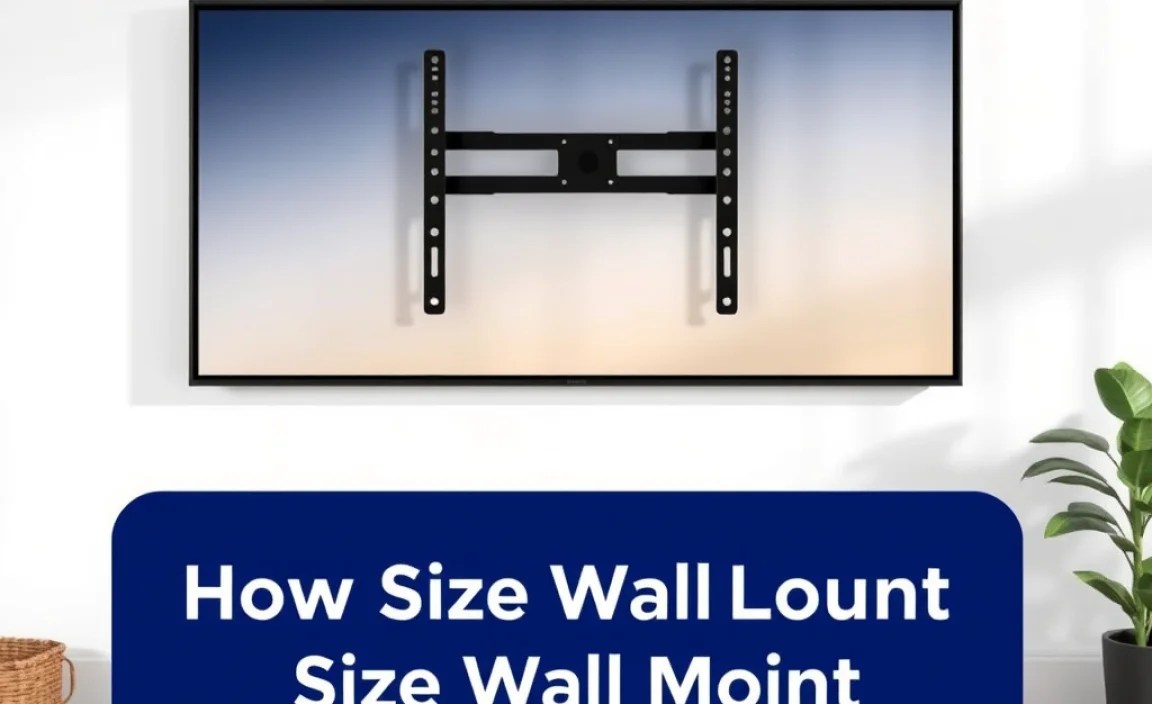
Choosing the right wall mount screen size
can be tricky. Start by measuring your TV’s size and weight. Most mounts support a range of sizes, so find one that fits your TV perfectly. Consider the room layout and viewing distance too. You want everyone to see it comfortably. Did you know that a mount placed too high can strain your neck? Keep these tips in mind for a great watching experience!
Understanding Screen Sizes
Explanation of screen size measurements (inches, diagonals). Importance of knowing the screen size for mounting.
Screen size is measured in inches and refers to the diagonal length of the display. Imagine a ruler stretching from one corner to the opposite—it’s like measuring the distance between best friends! Knowing the right size is key when mounting. If your screen is too big, it might dominate the room like an oversized cat taking up the whole couch. Use this simple table to guide your choice:
| Screen Size (inches) | Recommended Mounting Distance (feet) |
|---|---|
| 32″ | 4-6 ft |
| 50″ | 6-8 ft |
| 65″ | 8-10 ft |
| 75″ | 10-12 ft |
So, measure wisely! You’ll want a comfy viewing distance, where the action doesn’t feel like it’s happening right in your lap.
Determining Mounting Height
Guidelines for selecting the optimal viewing height based on screen size. Considerations for room layout and seating arrangement.
Finding the right height for your screen is key for happy watching. To determine the best height, consider the size of your TV. As a rule of thumb, mount the center of the screen at eye level when seated. This is usually about 42 inches from the floor. Of course, your couch’s height and room layout matter too. Make sure everyone can see it without craning necks! Here’s a quick guide:
| Screen Size | Optimal Mount Height (inches) |
|---|---|
| 32″ | 30-36″ |
| 55″ | 40-46″ |
| 75″ | 45-50″ |
So, adjust based on your room and seating! A comfy position means fewer headaches, but it does not prevent snack spills. Happy watching!
Weight Capacity of Wall Mounts
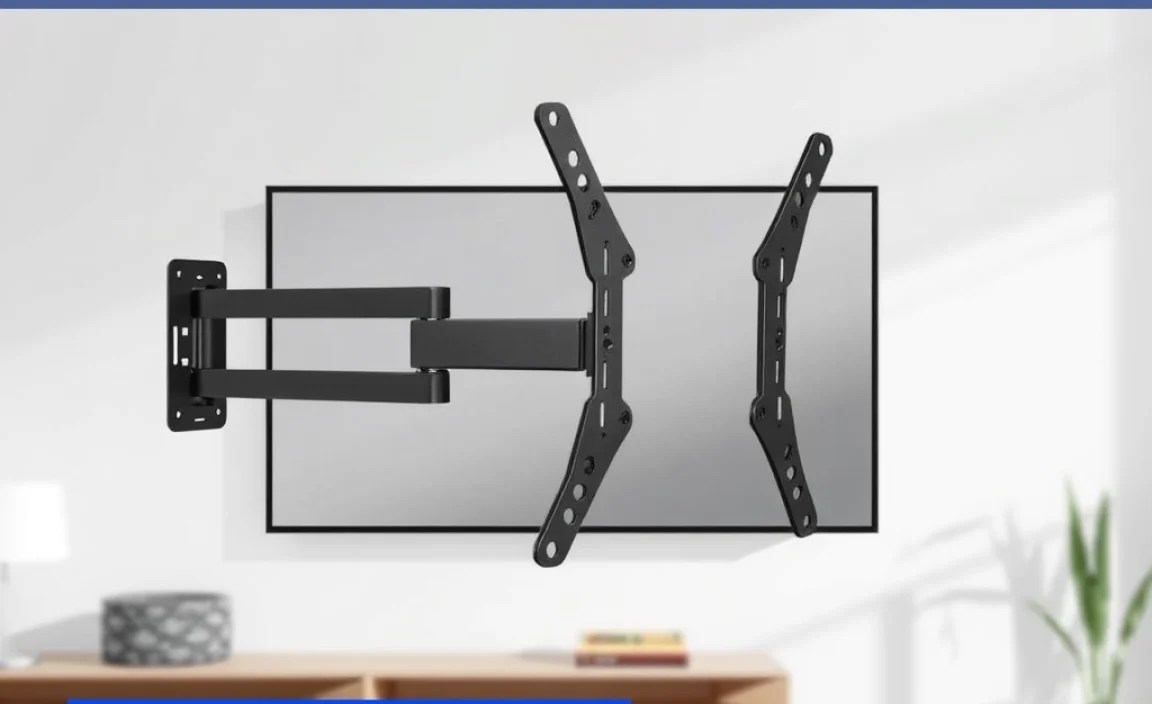
Discussing the importance of weight specifications. How to match screen weight with mount capacity.
Choosing the right wall mount isn’t just about style; it’s all about weight! Imagine hanging a heavy screen on a mount that can’t take it. That’s like trying to balance a hippo on a seesaw! Always check the mount’s weight capacity. It tells you how much the mount can hold. Next, match your screen’s weight with the mount. A little math can save a big crash! Here’s a quick table to help:
| Screen Weight (lbs) | Recommended Mount Capacity (lbs) |
|---|---|
| 10-20 | 30 |
| 21-40 | 60 |
| 41-70 | 100 |
Remember, heavy screens need strong mounts! So, don’t wing it—do the math and secure your screen safely. Happy mounting!
Viewing Distance Recommendations
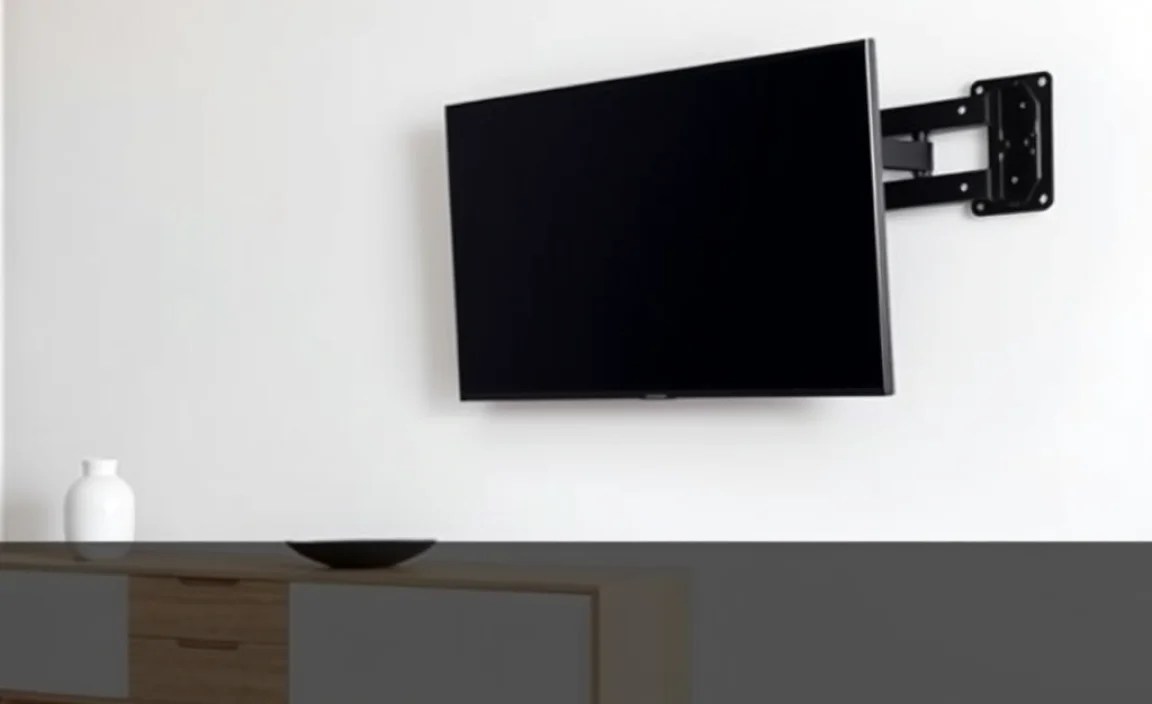
Suggested viewing distances based on screen size. Impact of distance on viewing experience.
Finding the right viewing distance is key to enjoying your screen. The distance depends on your screen size. Here are some helpful suggestions:
- For a 32-inch screen, sit about 4-6 feet away.
- For a 42-inch screen, 5-7 feet is best.
- A 55-inch screen works well at 7-9 feet.
- For a 65-inch screen, aim for 8-10 feet.
Being too close can cause eye strain. Sitting too far may make it hard to see details. Getting the distance right makes watching fun!
How far should I sit from my screen?
Your distance depends on your screen size. For example, 6 feet is good for a 40-inch screen. Adjust based on what feels comfy for your eyes.
VESA Compatibility
Explanation of VESA standards for mounting. How to check and match VESA specifications with wall mounts.
Imagine trying to hang a picture frame, but you forgot to check if the nail fits the hole! VESA standards help you avoid this disaster. These guidelines tell you how to match your TV’s mounting holes to wall mounts. To check if your TV is VESA compatible, measure the distance between the holes on the back. This distance is your magic number. Compare it with wall mount specs, and you’re golden! Here’s a handy table:
| VESA Size (mm) | Common TV Sizes |
|---|---|
| 100 x 100 | 22” – 32” TVs |
| 200 x 200 | 32” – 55” TVs |
| 400 x 400 | 55” – 70” TVs |
Remember, if they don’t match, it’s like trying to fit a square peg in a round hole. No good!
Wall Material Considerations
Analyzing different wall types (drywall, concrete, etc.). Recommendations for secure mounting based on wall material.
Choosing the right wall mount depends greatly on the wall type. If your wall is made of drywall, use drywall anchors to keep your TV safe and sound. For concrete or brick walls, use heavy-duty masonry bolts. Did you know that a 55-inch TV can weigh around 50 pounds? That’s like lifting a big dog! Be sure to pick your wall mount wisely. You want your TV to hang like it’s on a fancy art gallery wall, not crashing down like a clumsy bear.
| Wall Type | Recommended Mounting Method |
|---|---|
| Drywall | Use drywall anchors |
| Concrete | Use masonry bolts |
| Brick | Use masonry screws |
Budgeting for Wall Mounts
Price ranges for various types of wall mounts. Factors that can affect the cost, including features and brand.
Wall mounts vary in price based on type and brand. Simple basic mounts can cost as low as $20. More advanced models, like full-motion mounts, can rise to $150 or more. Features affect costs too, such as weight capacity and tilt adjustments. Popular brands may be higher but often come with better quality. Consider your budget before shopping to find the best fit!
What affects the price of wall mounts?
Features, brand name, and weight capacity play big roles in pricing.
- Basic mounts: $20 – $50
- Tilting mounts: $50 – $100
- Full-motion mounts: $100 – $150+
Installation Tips and Tricks
Stepbystep guidance for DIY installation. Tools needed and safety tips during installation.
Setting up your wall mount can be fun and easy! First, get your tools ready. You will need a drill, a stud finder, a level, and a wrench. Don’t forget your safety goggles! Measure where you want to place your TV, making sure it’s at a good height. Then, find the studs in the wall—this is where the mount will be strongest. Mark those spots and drill the holes carefully. Hang your mount and level it out. Voila! Your TV is ready for movie nights. Remember, safety first! If you feel unsure, don’t hesitate to ask a friend for help.
| Tool | Purpose |
|---|---|
| Drill | Create holes in the wall. |
| Stud Finder | Locate strong points in the wall. |
| Level | Keep your mount straight. |
| Wrench | Tighten the mount securely. |
| Safety Goggles | Protect your eyes while working. |
Common Mistakes to Avoid
Highlighting frequent errors in choosing and installing wall mounts. Tips to ensure a successful setup for your screen size.
When choosing and installing a wall mount, many make common errors. First, always check the screen size and weight limits of the mount. Choosing the wrong size can be dangerous. Next, avoid placing the screen too high or too low. This can cause neck strain. Lastly, don’t forget to hide wires for a clean look. Here are some quick tips:
- Measure your screen first.
- Follow instructions closely.
- Use a level tool to ensure even mounting.
A proper setup makes viewing comfortable and safe!
What should I avoid when installing a wall mount?
Avoid overlooking the weight limit, improper placement, and messy cables.
Conclusion
Choosing the right screen size for a wall mount is important for comfort and viewing experience. Measure your space and consider the TV’s size. Remember, the viewing distance impacts your choice too. Look for sturdy mounts that fit your screen. For more tips and guidance, check out online resources or ask experts. You’re now ready to find the perfect mount!
FAQs
Here Are Five Related Questions On The Topic Of Choosing The Right Screen Size For A Wall Mount:
When choosing a screen size for your wall mount, think about how far you’ll sit from the screen. A larger screen is better if you sit far away. If you are close, a smaller screen will work well. Also, consider the space on your wall. You want it to fit nicely and look good!
Sure! Please provide the question you’d like me to answer.
What Are The General Guidelines For Selecti