
To find the best TV for a bright room, look for models with high peak brightness (500 nits or more), excellent anti-glare screen treatments, and advanced display technologies like QLED or OLED with proper coatings. These features combat reflections and deliver vibrant, clear images even in challenging lighting conditions, ensuring an enjoyable viewing experience.
Hey everyone, Bob E Riley here! Do you ever feel like your TV struggles to keep up with the sunshine streaming into your living room? It’s a common frustration. Glare, washed-out colors, and dim images can turn movie nights into a battle against the light. You might be tempted to think you need blackout curtains, but the good news is, you don’t have to! Picking the right TV can make all the difference. We’re going to walk through the most important things to consider, making it super simple to choose a TV that shines, even when your room does. Let’s get your viewing experience looking its best!
Why Bright Rooms Are Tricky for TVs

Bright rooms present a unique challenge for televisions. The ambient light, whether it’s natural sunlight or strong indoor lamps, bounces off the screen. This glare can obscure details, make colors appear dull, and force you to squint to see what’s happening. It’s like trying to read a book with a desk lamp shining directly on the page – it just doesn’t work well!
Traditional TVs with less powerful backlights and reflective screens simply can’t compete with the intensity of bright light. This leads to a compromised viewing experience. You miss out on the subtle details in dark scenes, and vibrant colors look muted. It’s a shame, especially when you’ve invested in a great show or movie.
Understanding Key TV Features for Bright Rooms

Choosing a TV involves understanding a few key technical terms that are especially important when you have a bright living space. Don’t worry; we’ll break them down into simple language.
1. Peak Brightness (Nits)
This is arguably the most crucial spec for a bright room. Peak brightness measures how bright the TV screen can get, especially when displaying small bright areas (like a white star in a dark sky). It’s measured in nits.
Why it matters: A brighter TV can overpower the ambient light in your room, making the picture stand out more clearly.
What to look for: For a bright room, aim for a TV with at least 500 nits of peak brightness. For truly challenging, sun-drenched environments, 800 nits or higher will provide a noticeable improvement. Some high-end TVs can even reach 1000 nits and beyond!
Where to find it: This information is usually listed in the TV’s specifications, often found on the manufacturer’s website or in detailed reviews.
2. Screen Finish (Anti-Glare vs. Glossy)
The surface of your TV screen plays a significant role in how it handles reflections.
Glossy screens: These tend to produce more vibrant colors and deeper blacks because they don’t diffuse light. However, they act like a mirror, reflecting every light source in the room.
Matte or anti-glare screens: These have a special coating designed to scatter reflected light, making it much harder to see distinct reflections.
What to look for: A good anti-glare coating is essential for bright rooms. Some manufacturers use advanced coatings that minimize glare without significantly impacting picture quality. Look for terms like “anti-reflective coating” or “matte finish” in the product description.
3. Contrast Ratio
Contrast ratio is the difference between the brightest white and the darkest black a TV can display. A higher contrast ratio means more distinct details, especially in darker scenes.
Why it matters: In a bright room, ambient light can “wash out” darker parts of the image, reducing the perceived contrast. A TV with a naturally high contrast ratio can better maintain those deep blacks and shadow details, even with some light present.
What to look for: While high native contrast is great, technologies that help manage light (like local dimming) are also very important here.
4. Display Technologies
Different types of displays handle light and picture quality in various ways.
QLED (Quantum Dot LED): Often found in TCL and Samsung TVs, QLED panels use quantum dots to produce brighter and more vibrant colors. Many QLED TVs also boast high peak brightness, making them excellent choices for sunny rooms.
OLED (Organic Light-Emitting Diode): OLEDs are known for their perfect blacks and incredible contrast because each pixel emits its own light. However, traditionally, they haven’t been as bright as QLEDs and can be more susceptible to reflections due to their glossy finish. Newer OLED models are improving their brightness and sometimes come with anti-reflective coatings.
Mini-LED: This is a backlight technology that uses thousands of tiny LEDs to control brightness and contrast more precisely. TVs with Mini-LED backlighting often achieve very high peak brightness and excellent local dimming, making them superb for bright environments.
What to look for: For bright rooms, QLED and Mini-LED TVs generally have an edge due to their superior brightness capabilities. However, advanced OLEDs with good coatings are becoming competitive.
Essential Tips for Choosing the Best TV for a Bright Room

Now that we know the key specs, let’s put that knowledge to work. Here are actionable tips to guide your selection.
Tip 1: Prioritize Peak Brightness
As we discussed, this is your first line of defense against ambient light. Don’t settle for a TV that seems dim in the store. Remember that store lighting is often brighter than typical home lighting, so a TV that looks okay there might struggle at home.
Action: Look for TVs officially rated at 500 nits or higher for good performance, and 800+ nits for excellent performance in very bright conditions.
Check reviews: Independent reviews from sites like Rtings.com often test and report actual peak brightness measurements.
Tip 2: Seek Out Superior Anti-Glare Treatments
A brilliant picture is useless if you can’t see it through the reflections. A good anti-glare screen is just as important as brightness.
Action: Inspect the screen finish. Does it look like a mirror, or does it have a slightly diffused, matte appearance?
Look for descriptions: Manufacturers might use terms like “anti-reflective coating,” “anti-glare panel,” or “wide viewing angle with anti-reflection.”
Research specific models: Some premium TVs, like certain Sony and LG models, are known for their effective anti-reflection technology.
Tip 3: Consider Local Dimming (for LED/QLED TVs)
For TVs that use LED backlighting (including QLED and Mini-LED), local dimming is a game-changer. It allows the TV to dim specific zones of the backlight independently, controlling contrast and preventing light from blooming (spreading) into dark areas.
Why it matters: More dimming zones and more sophisticated algorithms mean better control over light. This helps maintain deeper blacks and prevent the overall picture from looking “washed out” by room light.
What to look for: Mini-LED TVs typically offer the most advanced local dimming capabilities, with hundreds or even thousands of dimming zones. Full Array Local Dimming (FALD) is also a good indicator on standard LED TVs.
Note for OLED: OLEDs don’t need local dimming in the same way as LED TVs because each pixel is its own light source. Their strength is pixel-level control, but as mentioned, they can be reflective.
Tip 4: Understand How Different Technologies Perform
Knowing the pros and cons of each display type in a bright setting helps narrow down choices.
| Display Technology | Pros for Bright Rooms | Cons for Bright Rooms |
|---|---|---|
| QLED (Samsung, TCL) | Excellent peak brightness, vibrant colors, good anti-glare options. | Black levels can be slightly less perfect than OLEDs; some models may still have reflections. |
| Mini-LED (Various Brands) | Very high peak brightness, superior local dimming for contrast, great for HDR. | Can sometimes exhibit slight blooming around bright objects; still uses an LED backlight, so pixel-level control isn’t perfect. |
| OLED (LG, Sony, Samsung) | Perfect blacks, infinite contrast, great motion handling. Newer models have improved brightness and anti-reflective coatings. | Can be less bright overall than top QLED/Mini-LED TVs; traditional models are glossy and highly reflective. |
| Standard LED/LCD | More affordable. | Typically lower peak brightness, less effective local dimming, can be more reflective if not specified otherwise. |
Tip 5: Maximize Your TV Settings
Even with the right TV, adjusting your settings can improve picture quality in a bright room.
Picture Mode: Start with “Vivid” or “Dynamic” modes. These often boost brightness and color saturation, which can help punch through ambient light. However, they aren’t always the most accurate. For a good balance, try “Standard” or “Movie” mode and manually increase brightness and contrast.
Brightness Slider: Crank this up! Don’t be afraid to push the brightness slider to its maximum if needed, although this can sometimes impact energy efficiency.
Backlight Adjustment: On many TVs, there’s a “Backlight” or “OLED Pixel Brightness” setting. This directly controls the light output of the LEDs or pixels. Max it out for bright rooms.
Color & Contrast: You might need to slightly increase color saturation and contrast to make colors pop against the glare.
Sharpness: Don’t overdo it. Excessive sharpness can create artificial-looking edges.
Advanced Features: Explore settings like “Motion Smoothing,” “Black Enhancer,” and “Dynamic Contrast.” Experiment to see what looks best without creating unwanted artifacts. Many modern TVs have specific settings for optimizing in bright environments.
Tip 6: Consider Viewing Angles
If your bright room is also a space where people watch TV from various seats, viewing angles matter.
Why it matters: Some display technologies, like VA panels (common in many LED TVs), can look washed out or colors can shift significantly when viewed from off-center. This is compounded by ambient light.
What to look for: IPS panels (common in some LG TVs) and OLED panels generally offer wider viewing angles. QLED TVs can vary, with some brands offering better wide-angle performance than others.
Action: If multiple people will be watching from different spots, look for TVs known for good viewing angles, or consider where you’ll place the TV to minimize off-angle viewing.
Tip 7: Don’t Forget About External Factors
Your TV is only part of the equation. Managing the light in your room can significantly improve your viewing experience.
Window Treatments: Use blinds, shades, or curtains that can diffuse or block direct sunlight during peak viewing hours. Light-filtering blinds can soften harsh light without making the room completely dark. For more information on light control, the U.S. Department of Energy’s Energy Saver site has some great tips on managing light and heat in your home.
Furniture Placement: Position your TV so that direct light sources (like windows or lamps) aren’t reflecting straight onto the screen. If possible, orient the TV so that windows are to its side, not directly in front or behind it.
Lamp Positioning: If you use lamps, aim them away from the TV screen. Consider using lamps with dimmer switches to control the overall brightness of the room.
Putting It All Together: A Quick Checklist
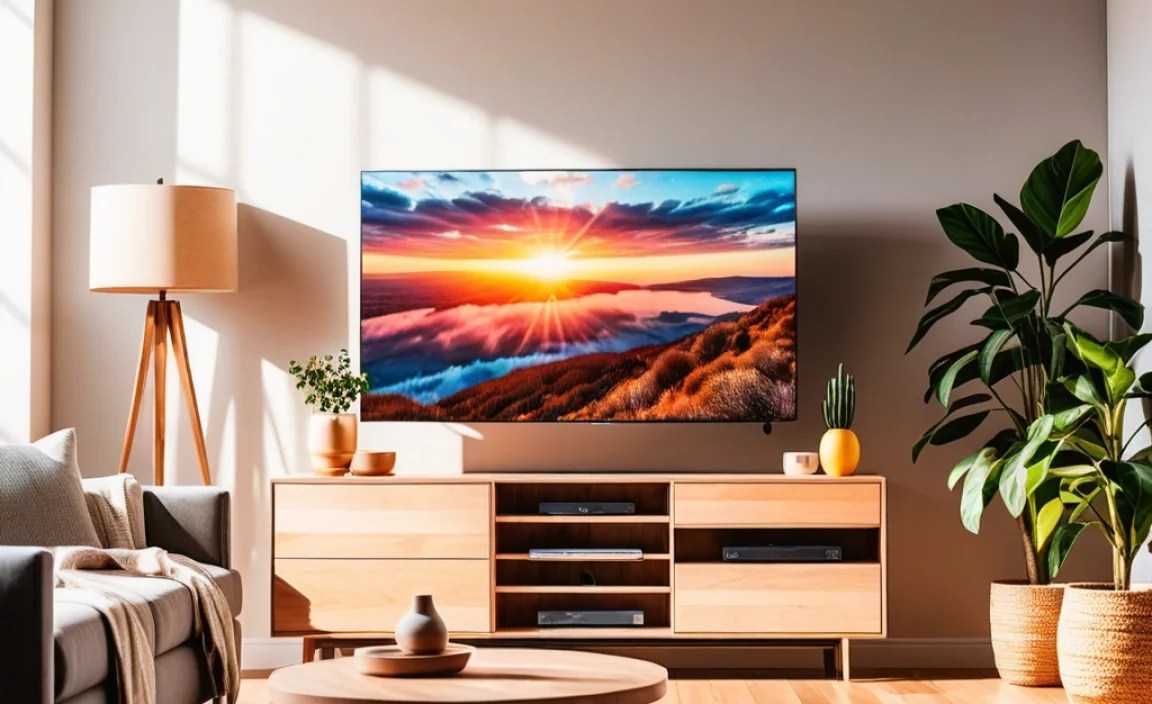
Here’s a handy list to take with you when you’re shopping:
Peak Brightness: Aim for 500+ nits, preferably 800+ nits.
Screen Finish: Look for “anti-glare” or “anti-reflective” coatings.
Display Tech: QLED and Mini-LED are strong contenders for brightness. Advanced OLEDs can work with good coatings.
Local Dimming: Essential for LED/QLED/Mini-LED for better contrast control.
Viewing Angles: Important if multiple people watch from different spots.
Reviews: Always check independent reviews for real-world performance.
Room Control: Manage blinds, lamps, and furniture placement.
FAQ: Best TV for Bright Room
Q1: Do I really need a super expensive TV for a bright room?
A1: Not necessarily! While high-end TVs excel, many mid-range QLED or Mini-LED models offer fantastic performance for bright rooms without breaking the bank. Focus on peak brightness and anti-glare features within your budget.
Q2: Can an OLED TV ever be good for a bright room?
A2: Yes, especially newer models from brands like LG and Sony that feature improved peak brightness and advanced anti-reflective coatings. However, you’ll still want to manage room lighting and check specific model reviews for glare performance.
Q3: What’s the difference between a TV being “bright” and having a “good picture”?
A3: Brightness is about how much light the TV emits, which helps combat glare. A “good picture” is more holistic, including color accuracy, contrast, detail, and smooth motion. For bright rooms, you need both – a TV that’s bright enough AND can deliver a detailed, colorful image despite that brightness.
Q4: How can I test a TV for glare in the store?
A4: Try to see the TV from different angles and look for reflections of store lights or displays. Touch the screen gently; a matte or slightly textured finish is often a good sign for anti-glare properties. Ask a salesperson to put up a bright, static image if possible.
Q5: Should I turn off all the lights when watching in a bright room?
A5: If you have a very bright TV, you might not need to turn off all lights. Dimming some lights or closing blinds can still improve contrast and reduce eye strain, even on a bright TV. It’s about finding the right balance for your space and your TV’s capabilities.
Q6: What does SDR brightness mean compared to HDR brightness?
A6: SDR (Standard Dynamic Range) brightness is how bright the TV can get for regular content (like most broadcast TV). HDR (High Dynamic Range) content is designed to be much brighter and have a wider color range. For bright rooms, you want high brightness for both* SDR and HDR content, but HDR peak brightness is often much higher and more impactful.
Conclusion
Finding the best TV for a bright room doesn’t have to be a daunting task. By focusing on key features like peak brightness, effective anti-glare screens, and smart display technologies such as QLED or Mini-LED, you can ensure a vibrant and clear viewing experience, no matter how sunny your space gets. Remember to check independent reviews, tweak your settings, and consider managing your room’s ambient light for the ultimate cinematic enjoyment. Happy TV hunting, and enjoy that brilliant picture!