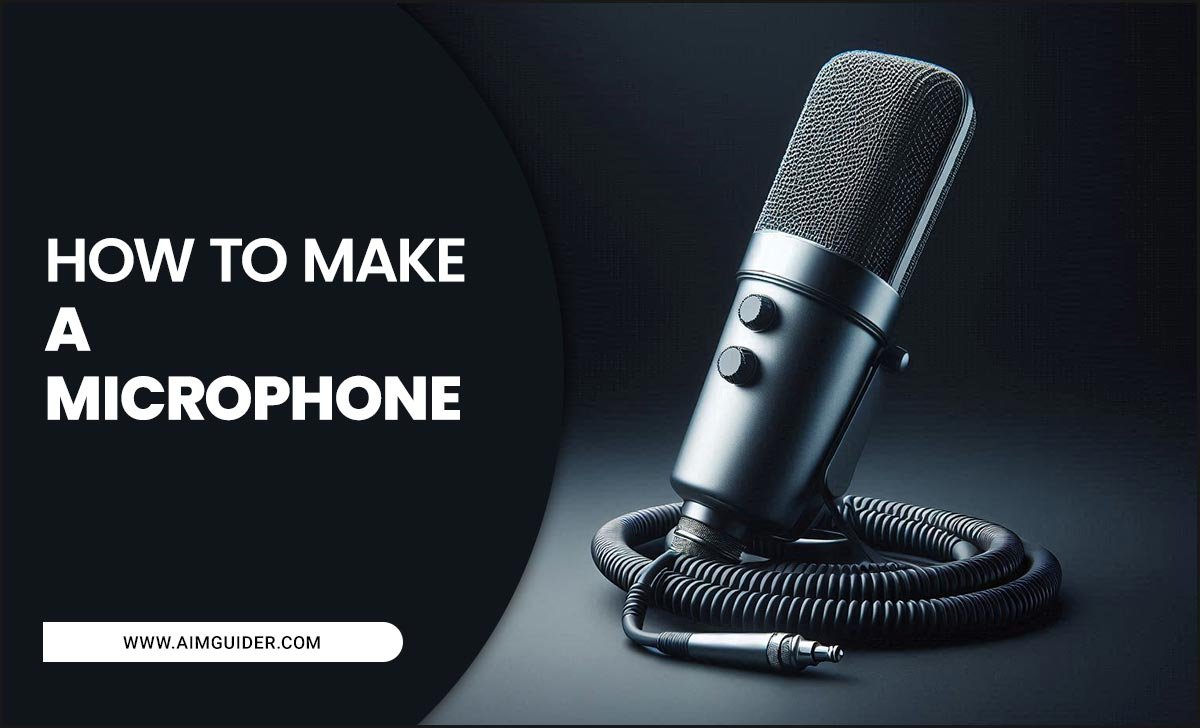
Studio microphone best quality doesn’t have to be overwhelming. For beginners, focusing on condenser mics for vocals and acoustic instruments, or dynamic mics for loud sources like drums and guitar amps, is a great start. Prioritize clear sound capture, durability, and ease of use for your specific recording needs.
Choosing the right studio microphone can feel like navigating a maze. You want that crystal-clear sound for your singing, podcast, or instrument recordings, but the sheer variety of microphones out there can be dizzying. From what makes one ‘studio quality’ to how to hook it up, it’s easy to get lost. Don’t worry! We’re here to break it all down, guiding you step-by-step to find the microphone that’s not just good, but essential for your recording adventures.
What Makes a “Studio Microphone” Truly Great?
When we talk about “studio microphone best quality,” we’re really talking about a microphone’s ability to accurately capture sound with minimal distortion or unwanted coloration. Think of it as a highly sensitive ear.
- Clarity: It should pick up every nuance of a voice or instrument without sounding muddy or harsh.
- Frequency Response: A good studio mic has a balanced response across the audible spectrum (roughly 20 Hz to 20 kHz). This means it reproduces lows, mids, and highs faithfully.
- Low Noise: It needs a very low self-noise level, so you don’t hear annoying hiss when you’re not actively recording sound.
- Durability: Studio mics are often used daily. They need to be built to last.
- Polar Pattern: This refers to the microphone’s directionality – how it picks up sound from different angles. Common patterns include cardioid (front-focused), omnidirectional (all-around), and figure-8 (front and back).
The Two Big Players: Condenser vs. Dynamic Microphones
For most beginners looking for that “studio microphone best quality” feel, the choice often boils down to two main types: condenser and dynamic microphones. Each has its strengths.
Condenser Microphones: The Detail Masters
Condenser microphones are incredibly sensitive and excel at capturing the finest details. They are powered by an external voltage, usually phantom power provided by your audio interface or mixer. Because of their sensitivity, they are often the go-to for vocals and acoustic instruments.
- Pros:
- Exceptional detail and clarity.
- Wide frequency response, capturing subtle nuances.
- Ideal for vocals, acoustic guitars, pianos, and overhead drum mics.
- Cons:
- More fragile than dynamic mics.
- Require phantom power (+48V).
- Can pick up a lot of background noise if not used in a controlled environment.
- Can be more expensive.
For a great beginner condenser mic that offers amazing value, many professionals recommend the Audio-Technica AT2020. It’s a fantastic entry point into quality condenser recording.
Dynamic Microphones: The Workhorses
Dynamic microphones are more robust and less sensitive than condensers. They don’t require phantom power and are excellent at handling high sound pressure levels (SPLs) – meaning they can take loud noises without distorting. This makes them perfect for loud sources.
- Pros:
- Very durable and can handle loud sound sources.
- Do not require phantom power.
- Less sensitive to background noise.
- Often more affordable.
- Cons:
- Less detailed and nuanced than condenser mics.
- Can sometimes sound less “airy” or bright.
The Shure SM58 is a legendary dynamic microphone. While often thought of as a live vocal mic, its robust nature and clear midrange make it a surprisingly capable studio tool for certain applications, especially if you have a less-than-perfect recording space or are recording loud sources. For a more dedicated studio dynamic mic for instruments, the Shure SM57 is a classic choice for guitar amps and snare drums.
Understanding Polar Patterns: Where Does Your Mic Listen?
The polar pattern determines how your microphone picks up sound. Choosing the right one is crucial for getting a clean recording and minimizing unwanted room noise or bleed from other instruments.
Common Polar Patterns Explained
- Cardioid: This is the most common pattern. It picks up sound primarily from the front of the microphone and rejects sound from the sides and rear. This is great for isolating a sound source, like a vocalist’s mouth or an instrument.
- Omnidirectional: An omni mic picks up sound equally from all directions. This can be useful for capturing a room’s natural ambience or when you want a very natural sound, but it also means it will pick up everything.
- Figure-8 (Bidirectional): This pattern picks up sound equally from the front and the rear of the microphone, while rejecting sound from the sides. It’s often used for recording duets, capturing room ambience, or in specific stereo miking techniques.
- Shotgun: While not technically a polar pattern in the same sense as cardioid or omni, shotgun mics have a highly directional pickup pattern with significant rejection from the sides and rear. They are designed for extreme isolation and are often seen in film production.
For most beginner studio setups, a cardioid pattern microphone will be your best friend. It helps keep your recordings focused on the intended sound source.
Essential Accessories for Your Studio Microphone
A great microphone is only part of the equation. You’ll need a few essential accessories to get started and ensure you’re getting the best possible quality.
- XLR Cable: This is the professional standard cable for connecting microphones to audio interfaces, mixers, or preamps. Ensure you get a good quality cable that’s long enough for your setup.
- Microphone Stand: You need a stable stand to position your microphone correctly and keep it from picking up unwanted vibrations from the floor. A tripod base is common for stability.
- Pop Filter/Windscreen: Crucial for vocal recording! A pop filter sits in front of the microphone and prevents plosive sounds (“p” and “b” sounds) from causing loud popping noises. A windscreen (often foam) fits over the mic capsule and primarily reduces wind noise, but also helps with plosives.
- Shock Mount: This is a special stand adapter that isolates the microphone from the stand. It uses elastic bands to absorb vibrations, preventing them from traveling up the stand and into your recording. This is especially important for sensitive condenser mics.
- Audio Interface (or Mixer): This is the bridge between your microphone and your computer. It converts the analog signal from the mic into a digital signal your computer can understand. Most audio interfaces also provide phantom power if you choose a condenser microphone. A popular and reliable option for beginners is the Focusrite Scarlett Solo.
Connecting Your Microphone: The Step-by-Step Guide
Setting up your new studio microphone is usually straightforward. Here’s how to connect most common microphone types:
-
Connect the Microphone to Your Audio Interface/Mixer:
- Take your XLR cable. Plug one end into the XLR output on your microphone.
- Plug the other end into an XLR input on your audio interface or mixer. If your mic requires phantom power (+48V) and it’s a condenser mic, you’ll need to engage the +48V button on your interface/mixer. Dynamic mics generally do NOT need phantom power, so leave it off for those.
-
Connect Your Audio Interface/Mixer to Your Computer:
- Most modern audio interfaces connect via USB. Plug the provided USB cable into your interface and then into an available USB port on your computer.
- If your interface uses a different connection (like Thunderbolt), follow the manufacturer’s instructions.
-
Set Up Your Computer’s Audio Settings:
- On your computer (Windows or macOS), go to your sound or audio settings.
- Select your audio interface as the primary input device.
-
Open Your Recording Software (DAW):
- Launch your Digital Audio Workstation (DAW) or recording software (e.g., Audacity, GarageBand, Ableton Live, Logic Pro).
- In your DAW’s audio preferences, ensure your audio interface is selected as both the input and output device.
-
Test Your Microphone:
- Create a new audio track in your DAW.
- Arm (select) the track for recording. You should see the input level meter in your DAW respond when you speak or play into the microphone.
- Speak or sing into the microphone at a normal volume and adjust the gain (input volume) knob on your audio interface so the signal isn’t “peaking” (hitting the red). Leave some headroom!
Choosing the Right Microphone for Your Needs
The “best quality” studio microphone is subjective and depends entirely on what you plan to record and your environment. Here’s a quick guide:
Vocals
For clear, detailed vocal recordings, a large-diaphragm condenser microphone is usually the top choice. These mics capture the richness and air in a voice beautifully. If you’re recording in an untreated room, a cardioid condenser will help minimize room reflections.
Acoustic Instruments (Guitar, Piano, etc.)
Again, condenser microphones are excellent for acoustic instruments. You’ll often want to capture the natural brightness and detail. For acoustic guitar, you might even use two small-diaphragm condenser microphones (a stereo pair) to get a wider, more realistic sound.
Drums & Loud Amplifiers
This is where dynamic microphones shine. They can handle the high SPLs without distortion. Specific dynamic mics are designed for different drum parts (kick, snare, toms) and guitar cabinets. The classic Shure SM57 is a staple for guitar amps.
Podcasting & Spoken Word
Consistency and clarity are key. A good cardioid condenser is often favored for its warm and present sound. However, a dynamic microphone can also be an excellent choice, especially if you’re in a less-than-ideal acoustic environment, as they are more forgiving of background noise.
Top Studio Microphone Picks for Beginners
Let’s look at some proven contenders for “studio microphone best quality” that are accessible for beginners:
| Microphone Model | Type | Best For | Key Features | Price Range (Approx.) |
|---|---|---|---|---|
| Audio-Technica AT2020 | Large-Diaphragm Condenser | Vocals, Acoustic Instruments, General Purpose | Clear, detailed sound; cardioid pattern; durable build | $99 – $149 |
| Rode NT-USB+ | USB Condenser | Podcasting, Voiceovers, Streaming | Plug-and-play USB connectivity; built-in headphone output; high-quality capsule | $149 – $199 |
| Shure SM57 | Dynamic | Guitar Amps, Snare Drums, Powerful Vocals | Rugged; handles high SPLs; focused sound; industry standard | $99 – $129 |
| Sennheiser e935 | Dynamic | Live & Studio Vocals | Warm, full-bodied sound; excellent feedback rejection; robust metal construction | $179 – $199 |
(Note: Prices are approximate and can vary.)
Understanding Your Recording Environment
Even the best studio microphone can sound poor if your recording space is bad. Acoustics matter!
- Echo and Reverb: Hard, reflective surfaces (like bare walls, windows, or large desks) bounce sound around, creating echo and reverb. This can make your recordings sound muddy or distant.
- Background Noise: Air conditioners, refrigerators, traffic outside, or even computer fans can be picked up by sensitive microphones.
Simple Acoustic Treatments:
- Record in a quiet space: Turn off noisy appliances.
- Hang blankets or use thick curtains: These absorb sound reflections.
- Use a portable vocal booth or reflection filter: These attach to your mic stand and help isolate the microphone from room sound.
- Consider foam or acoustic panels: While more involved, these can significantly improve the acoustics of a room. For a deeper dive into acoustic principles, resources from organizations like the National Institute of Standards and Technology (NIST) offer valuable insights into sound measurement and characteristics.
Frequently Asked Questions (FAQ)
Q1: Do I need a USB microphone or an XLR microphone for studio recording?
For the highest quality and flexibility, XLR microphones connected to an audio interface are generally preferred in professional studios. However, USB microphones are incredibly convenient for beginners, offering a simpler setup.
Q2: What does “phantom power” do?
Phantom Power is a DC electrical voltage (usually +48V) sent down the XLR cable that powers the internal electronics of condenser microphones. Dynamic microphones do not need or use phantom power.
Q3: How close should I be to the microphone when recording?
This depends on the microphone and what you’re recording. For vocals with a condenser mic, a distance of 6-12 inches (15-30 cm) is common. Experiment to find the sweet spot for your voice, but avoid being too close (causing proximity effect and plosives) or too far (picking up too much room sound).
Q4: Can I use a vocal microphone for instruments?
Yes, many vocal microphones can be used effectively for instruments. For example, a condenser vocal mic could capture an acoustic guitar beautifully, and a dynamic mic like the Shure SM57 is a workhorse for guitar amps.
Q5: What’s the difference between a pop filter and a windscreen?
A pop filter is a mesh screen placed between you and the microphone to reduce plosive sounds (“p,” “b”). A windscreen is a foam cover that fits over the mic capsule, primarily to reduce wind noise but also helps with plosives.
Q6: How do I know if my microphone is good quality?
Good quality shows in its ability to capture sound accurately without hiss or distortion, smooth frequency response, and robust build. Listening critically and comparing it to recordings with known high-quality mics is also a good approach.
Conclusion
Finding the “studio microphone best quality” for your setup is an exciting journey, not a destination. By understanding the basics – the difference between condenser and dynamic mics, the importance of polar patterns, and the essential accessories – you’re well on your way. Remember, the best mic is one that suits your voice, your instruments, your space, and your budget. Don’t be afraid to start with a highly-rated beginner option and build from there. Happy recording!